Remote Management
Manage one or more devices remotely.
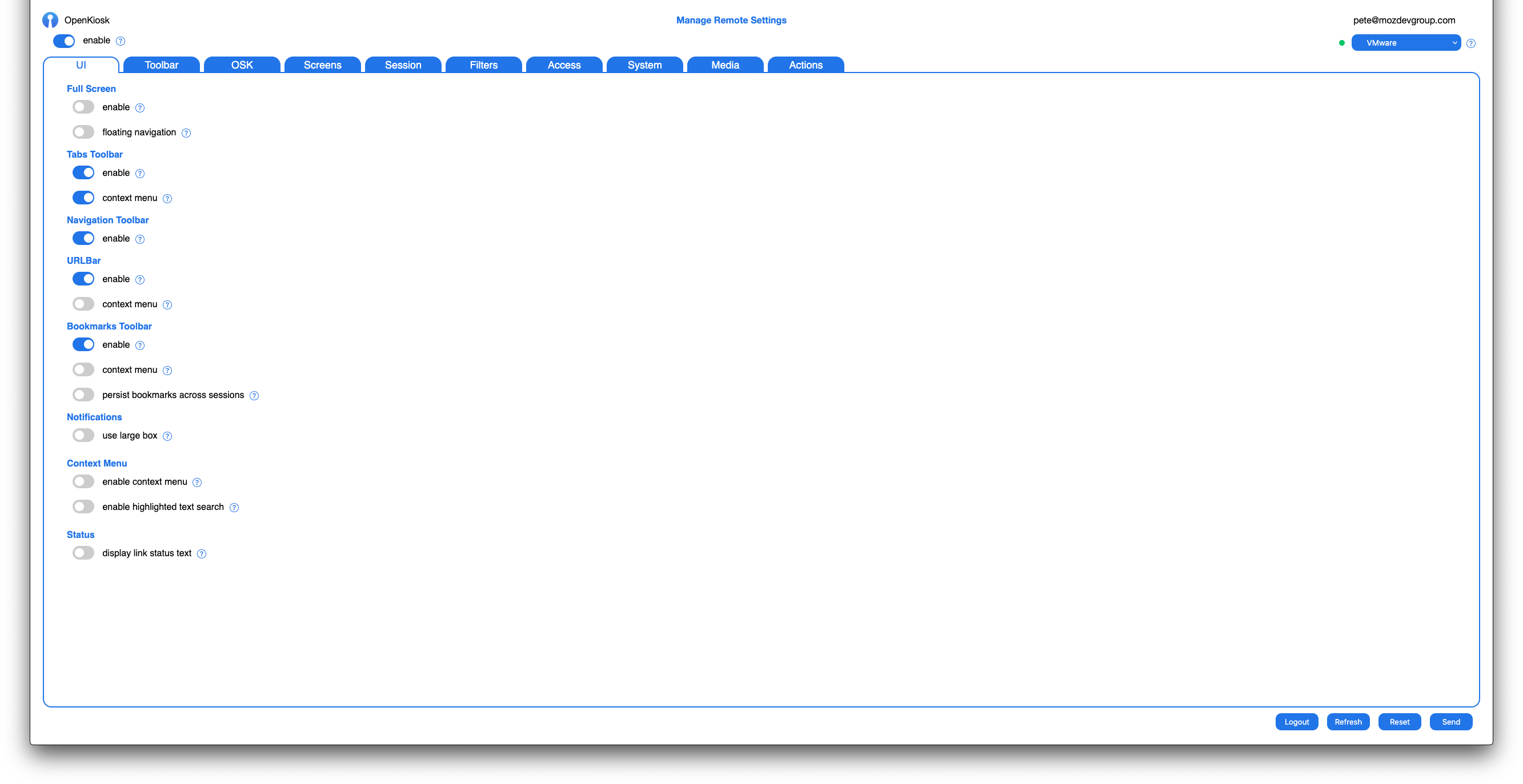
UI
Customize the user interface. Enable fullscreen mode, floating navigation, tabs, navigation toolbar, bookmarks toolbar, notification size, context menus, page loading url status text.
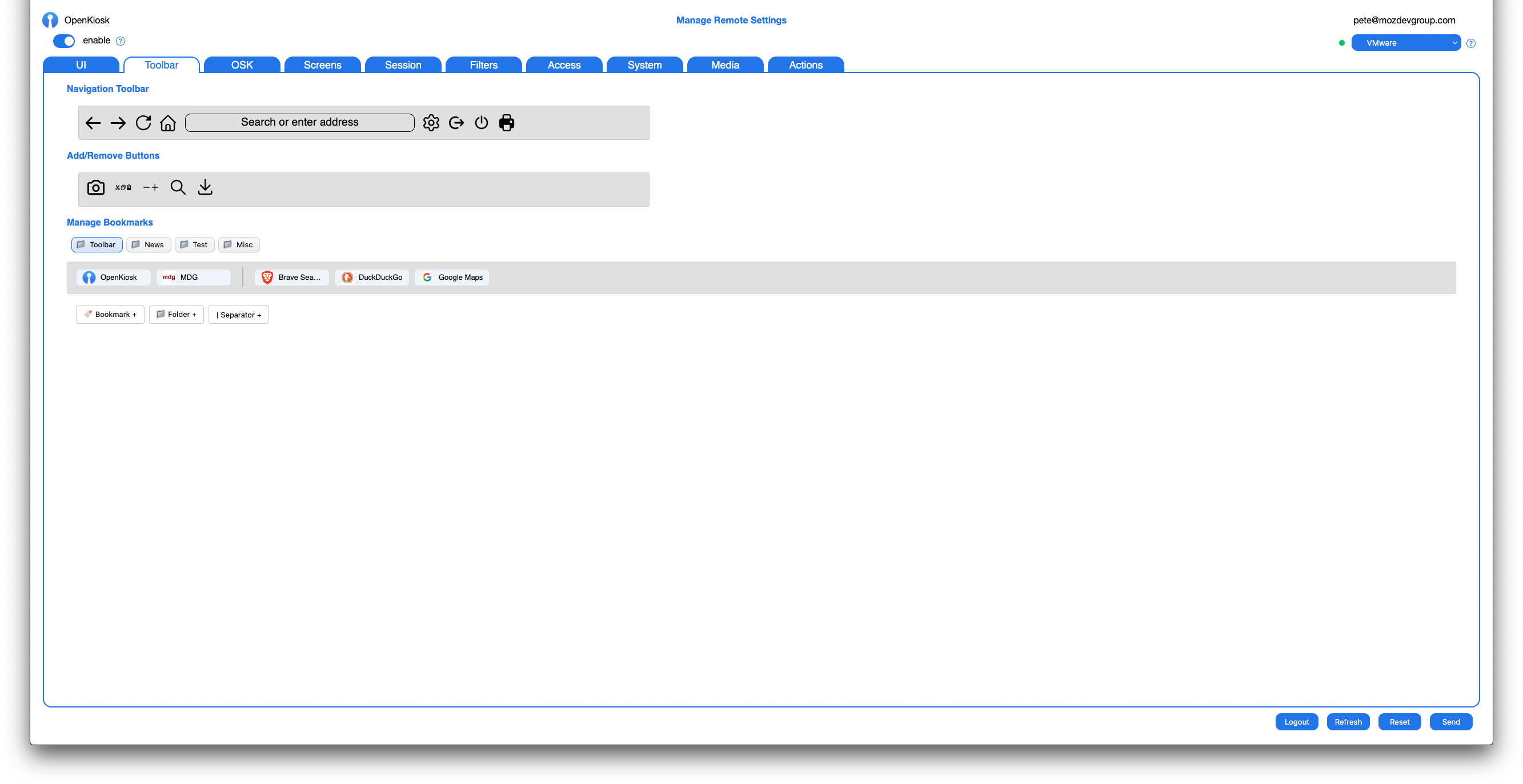
Toolbar
Drag and drop the navigation toolbar buttons you would like user facing. Create permanent bookmarks and bookmark folders that persist across sessions.
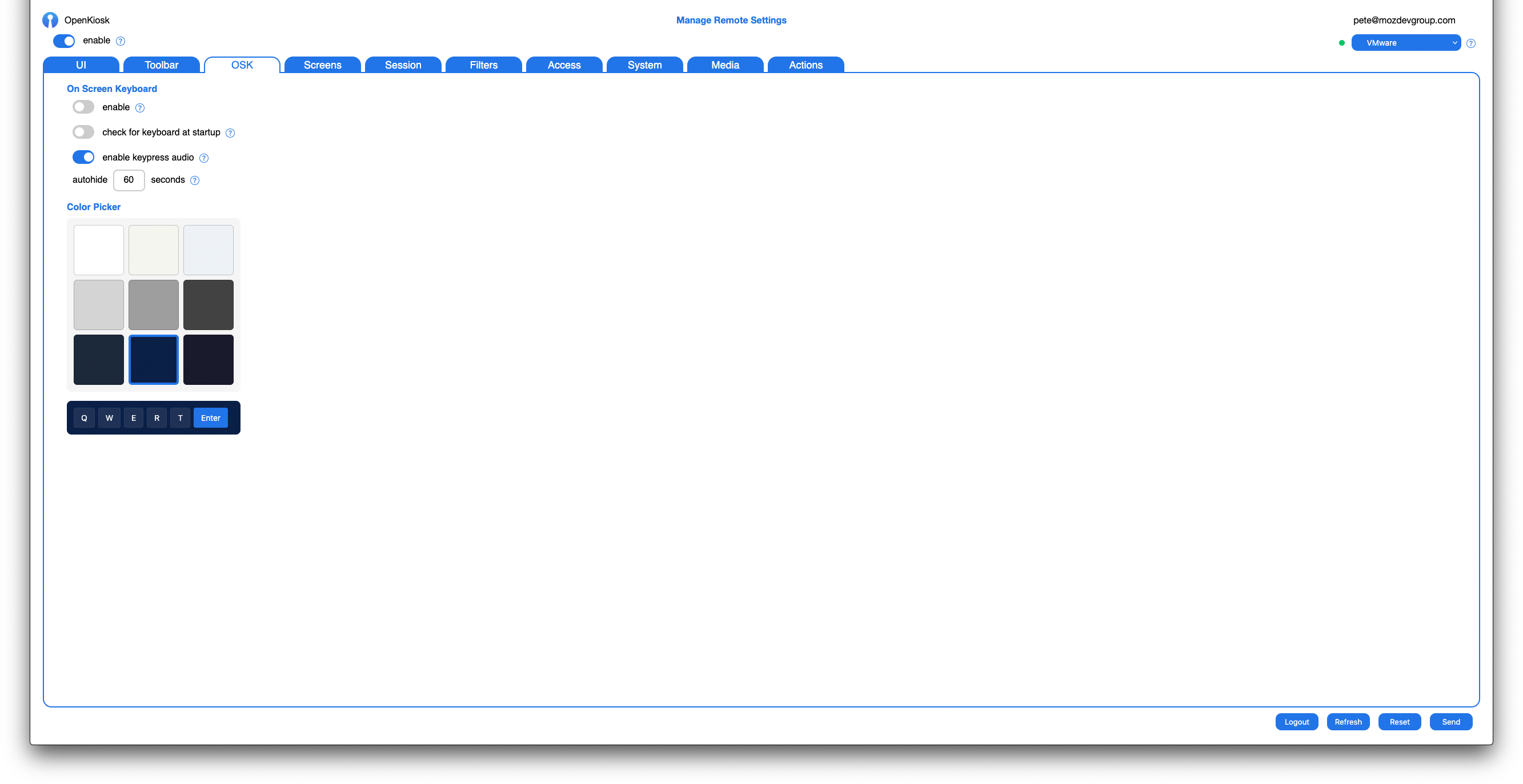
OSK
Enable the on screen keyboard for touchscreen devices. Choose a color from the color picker. Set autohide time and enable audio keyboard click sound.
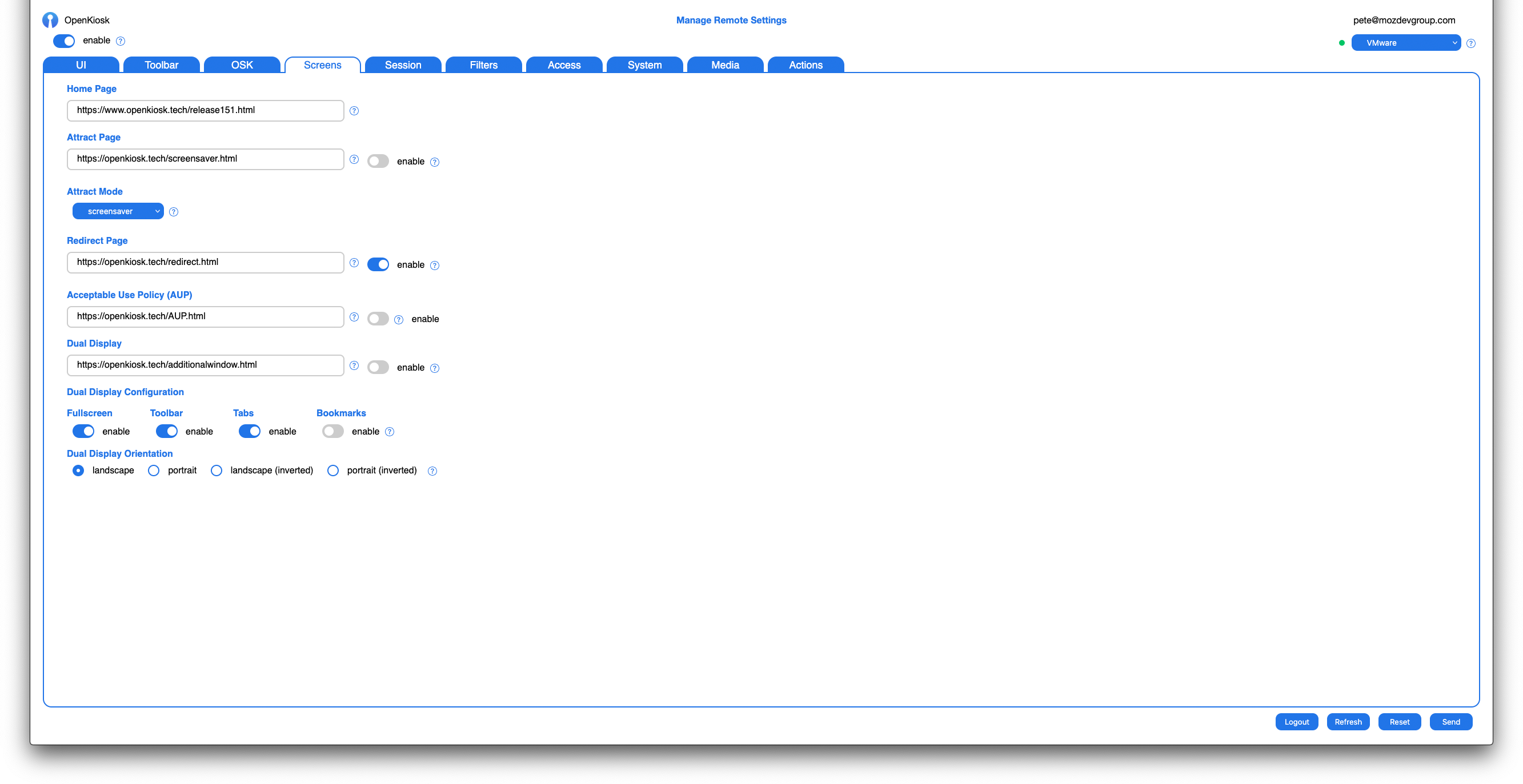
Screens
Set homepage, session attract page, screensaver, redirect page and acceptable use policy page (AUP).
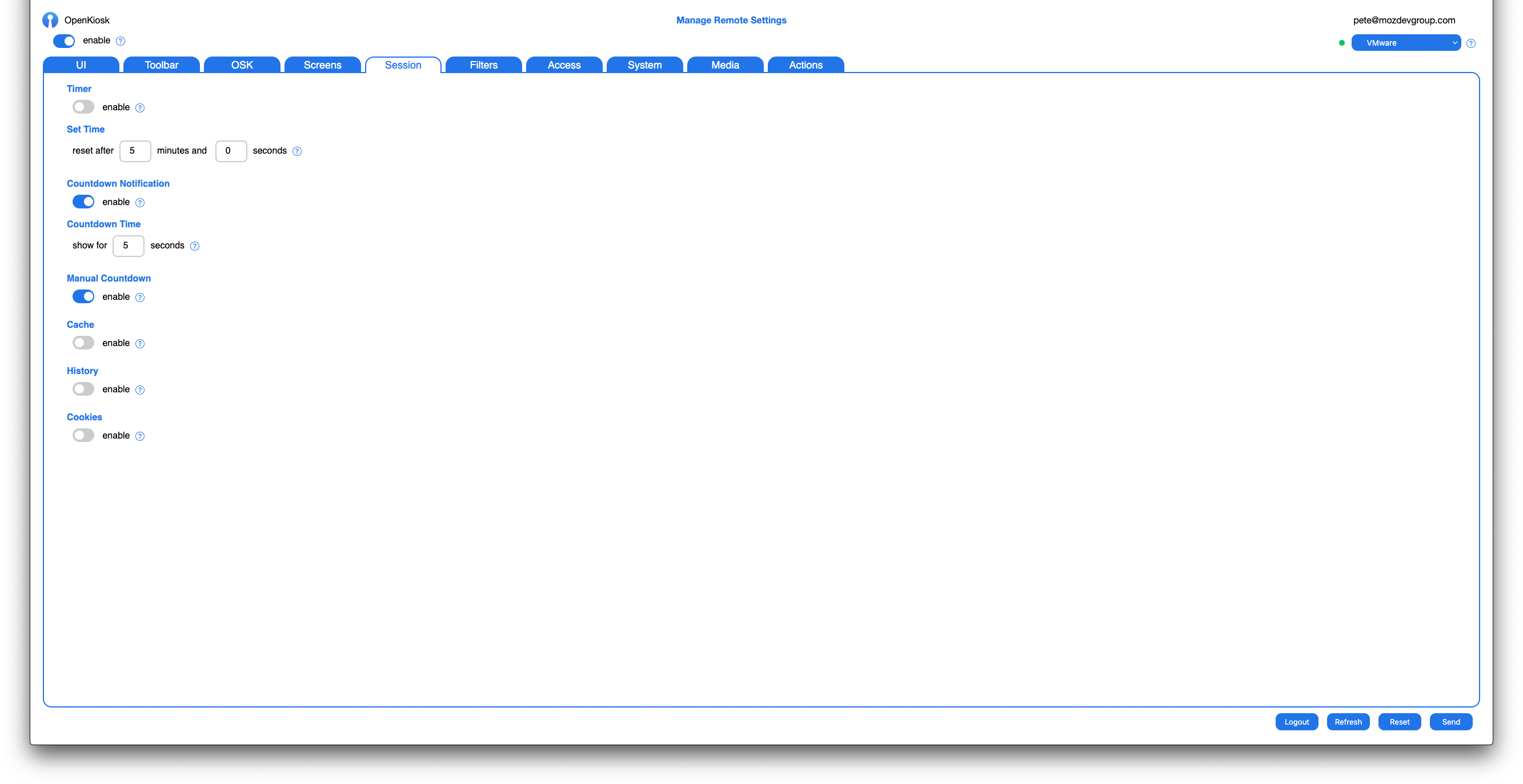
Session
Enable timed user session, countdown, and cache, history and cookies persistence.
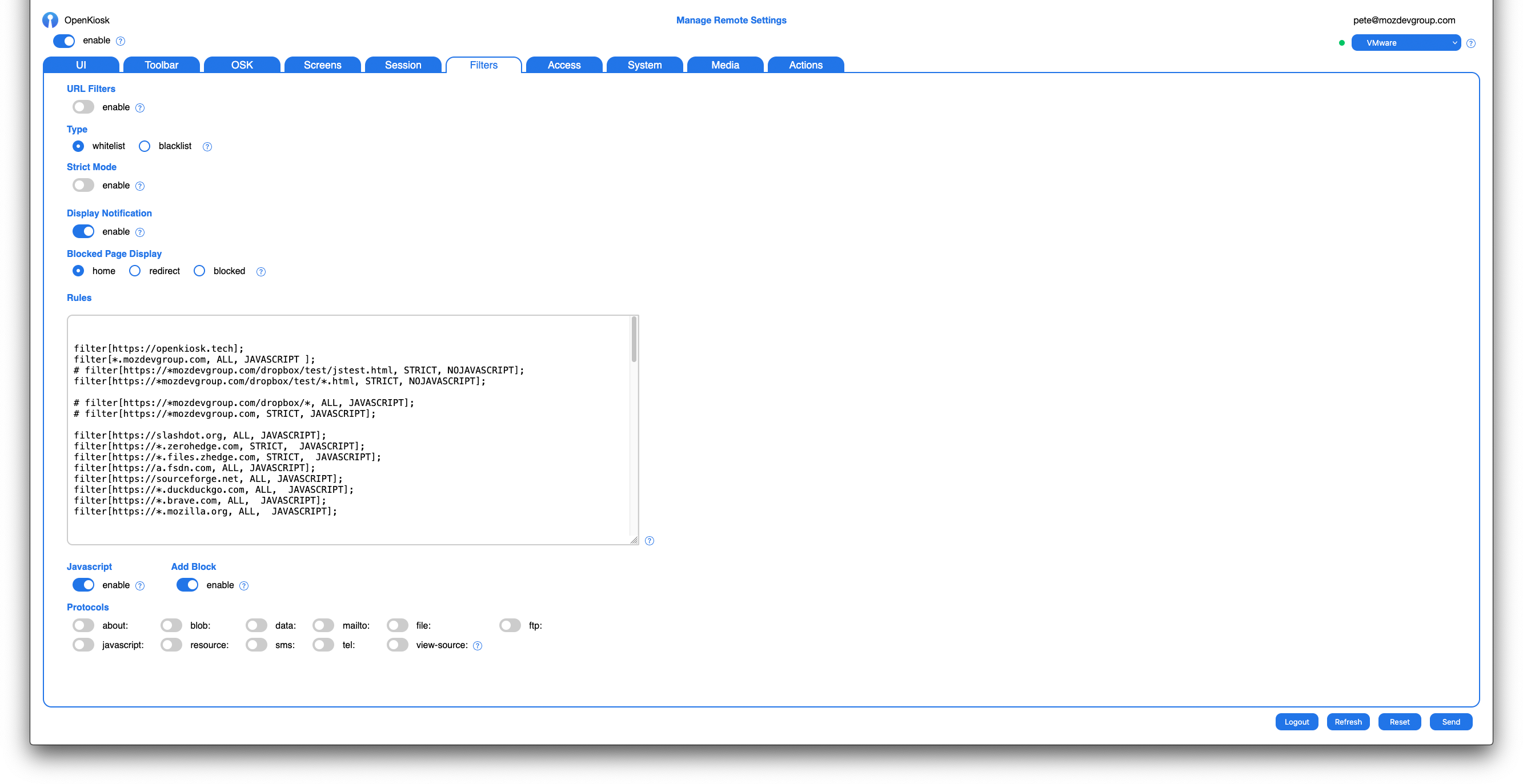
Filters
Manage URL filtering, whitelist or blacklist, deep filtering, blocked page type, url filter rules. Enable or disable javascript, addblocker, and URI protocols.
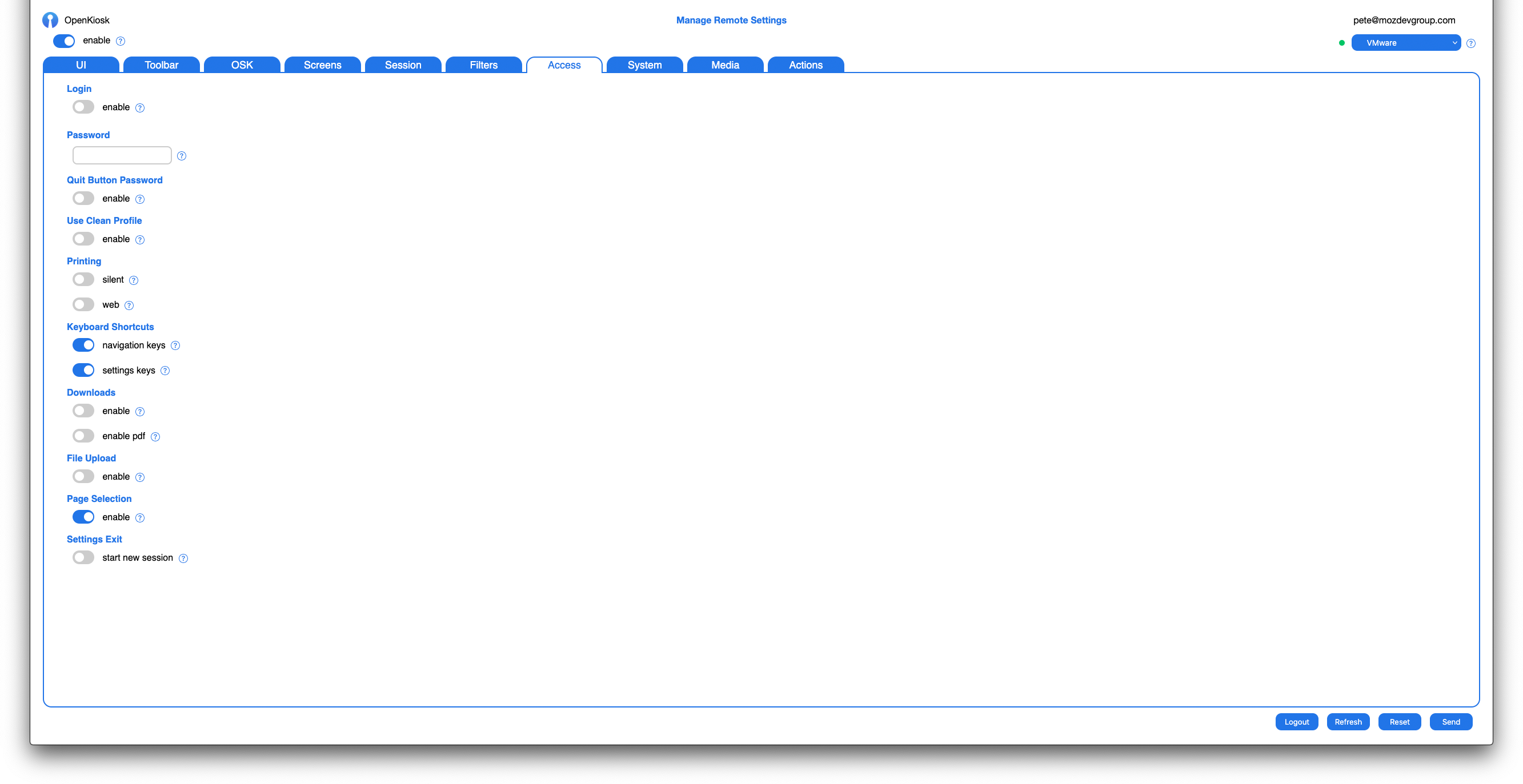
Access
Enable or disable device settings login access. Set device login password. Set access to printing, navigation and settings keyboard shortcuts, downloads, file uploading and ability for user select content on a web page.
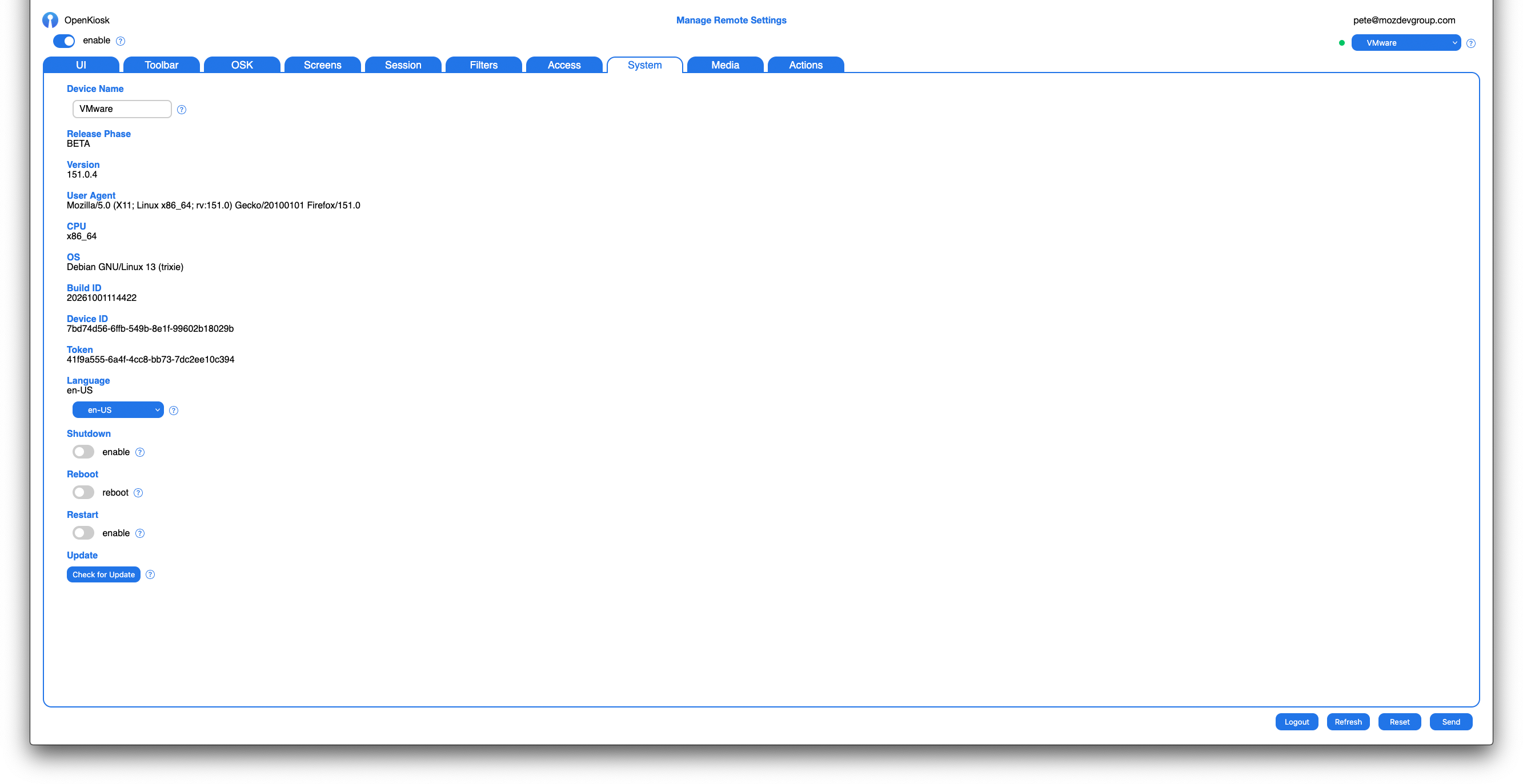
System
Set name for each device you are managing, language, device shutdown and reboot, restart the browser, autoupdate the browser or device os.
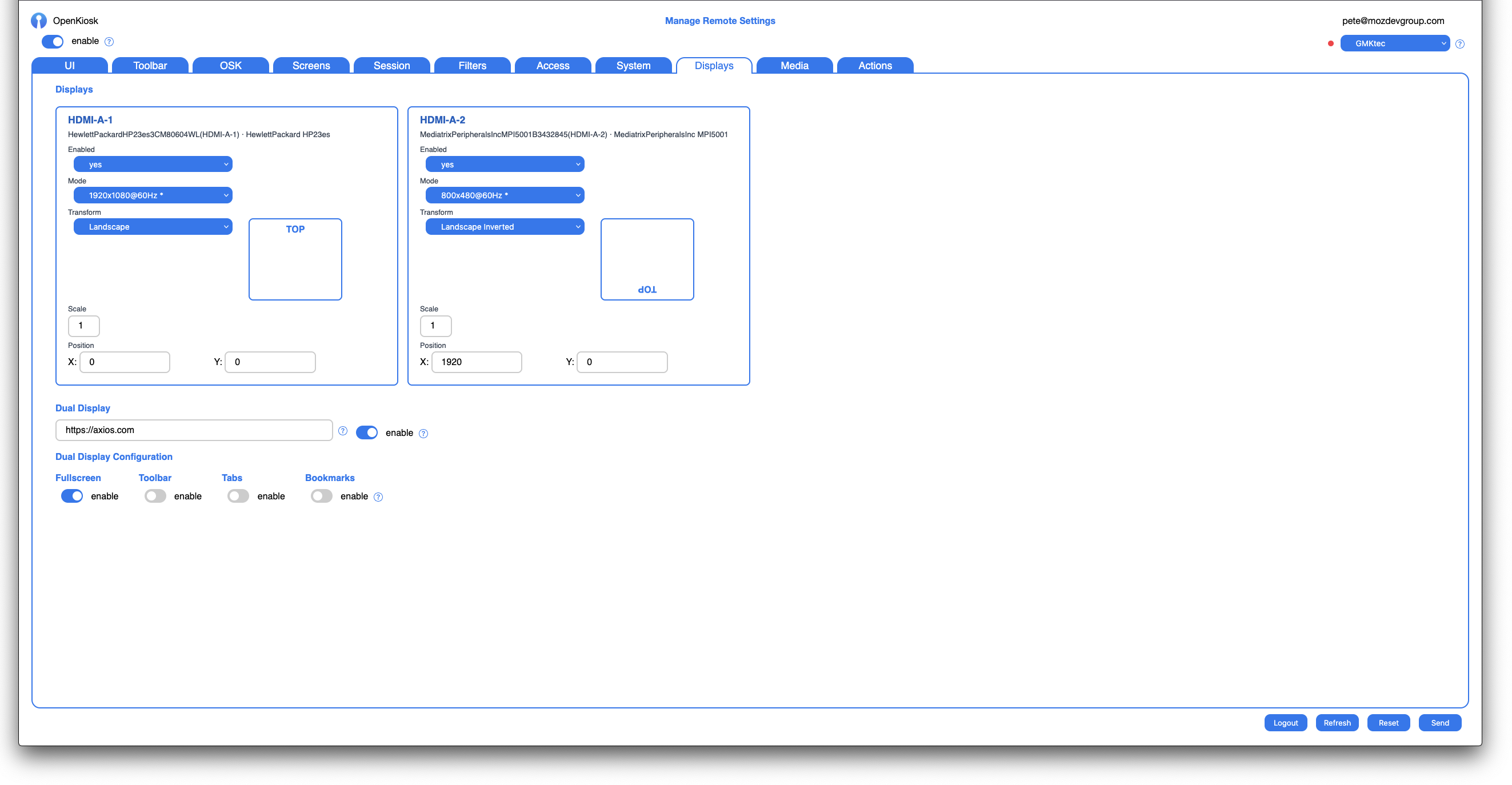
Displays
Manage one or more displays. Enable/disable, set screen resolution mode, rotate the screen, set scale and x and y positions. Enable dual display set up, second monitor home page and set fullscreen, toolbar, tabs, bookmarks, UI configuration.
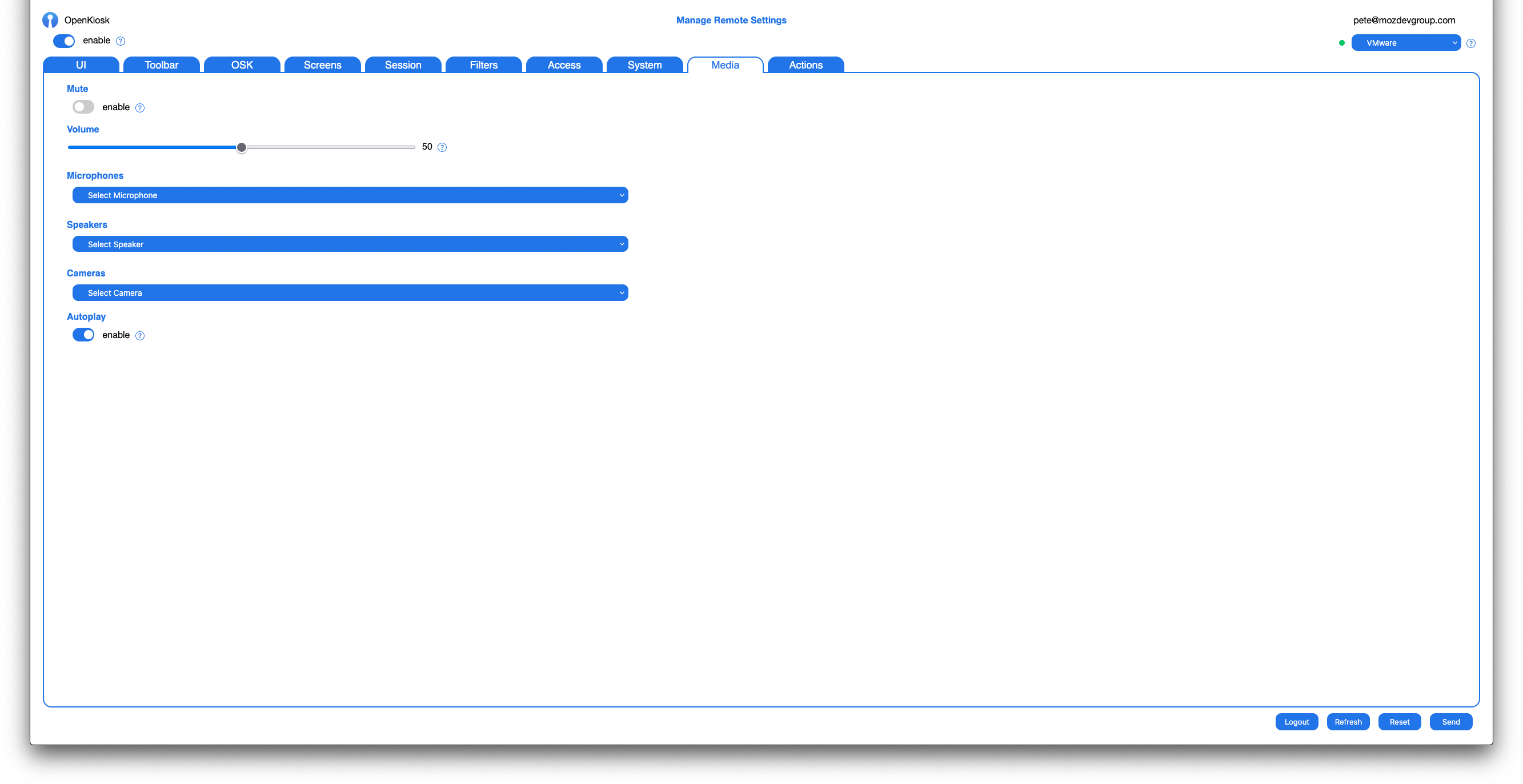
Media
Set device volume and mute, microphones, speakers, cameras, enable/disable media autoplay.
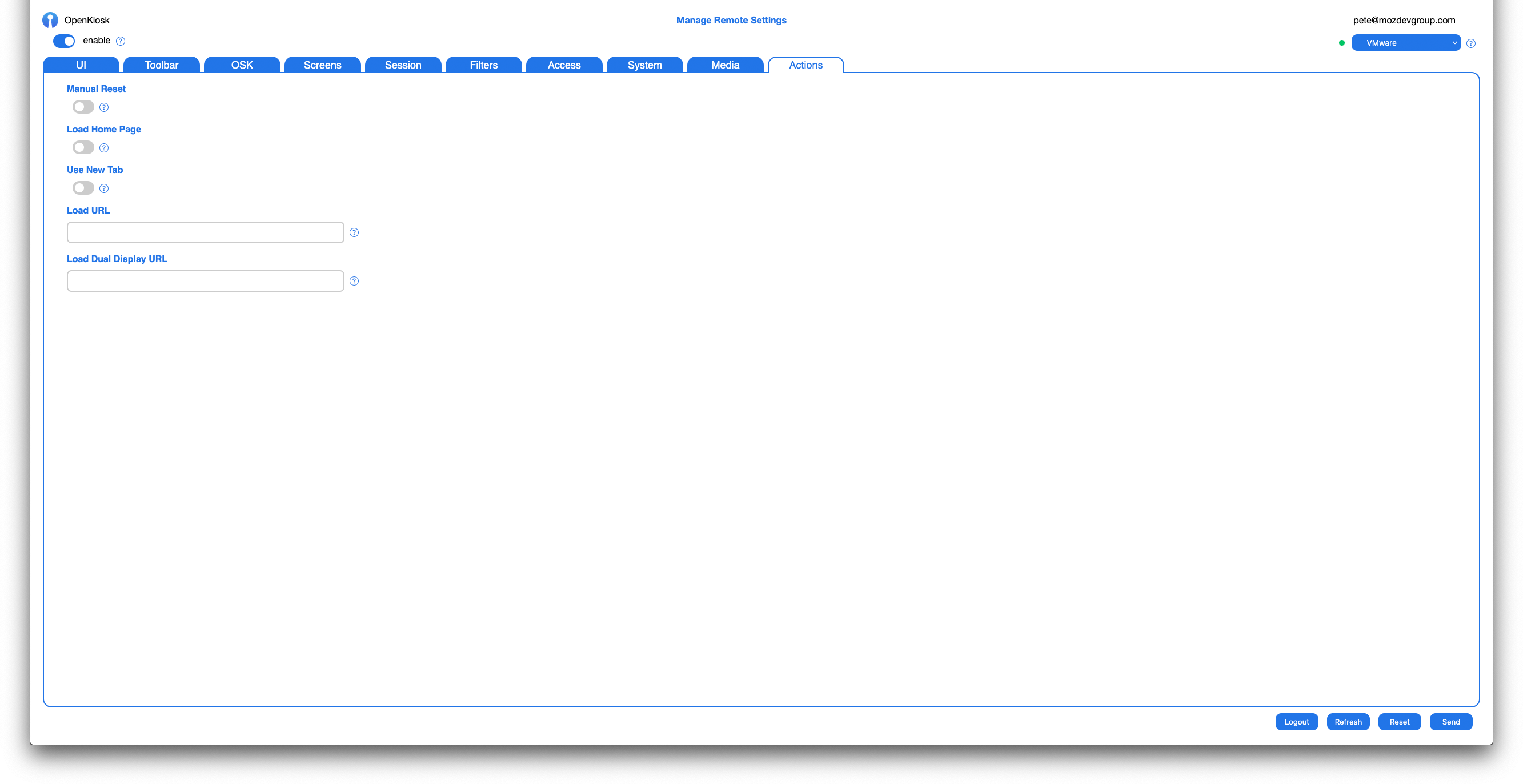
Actions
Choose an action to perform on the device such as manual session reset, load homepage, load a url in current tab or new tab, or load a url into the second display if enabled.