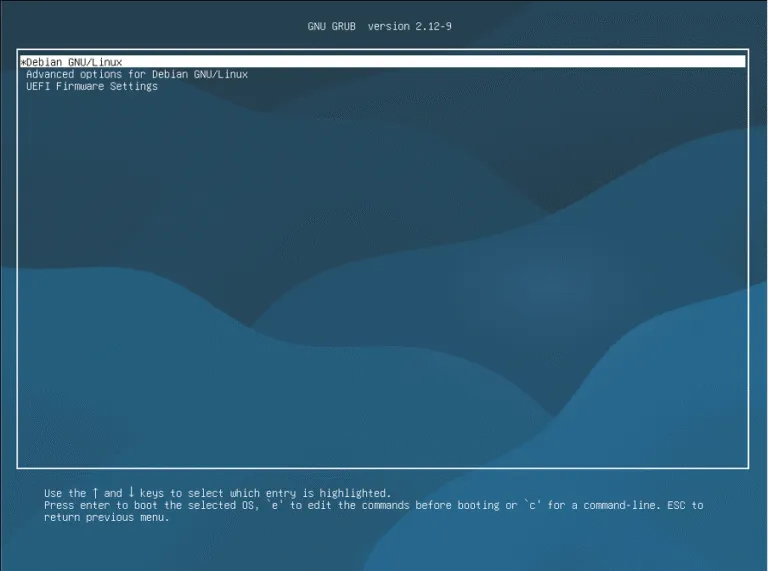
Debian Installation
Graphical Install
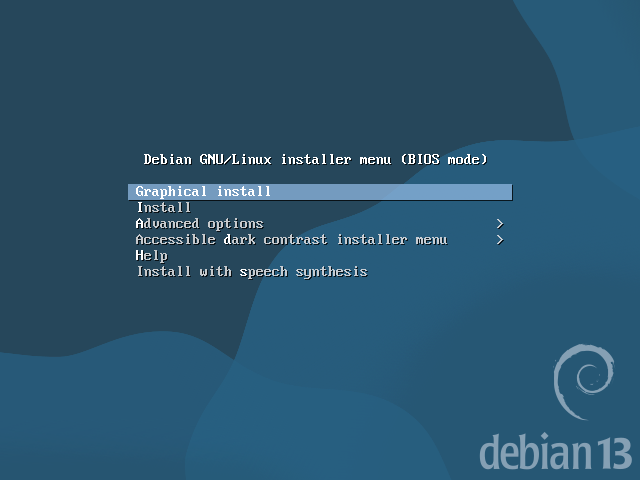
Choose the Graphical Install option.
Language
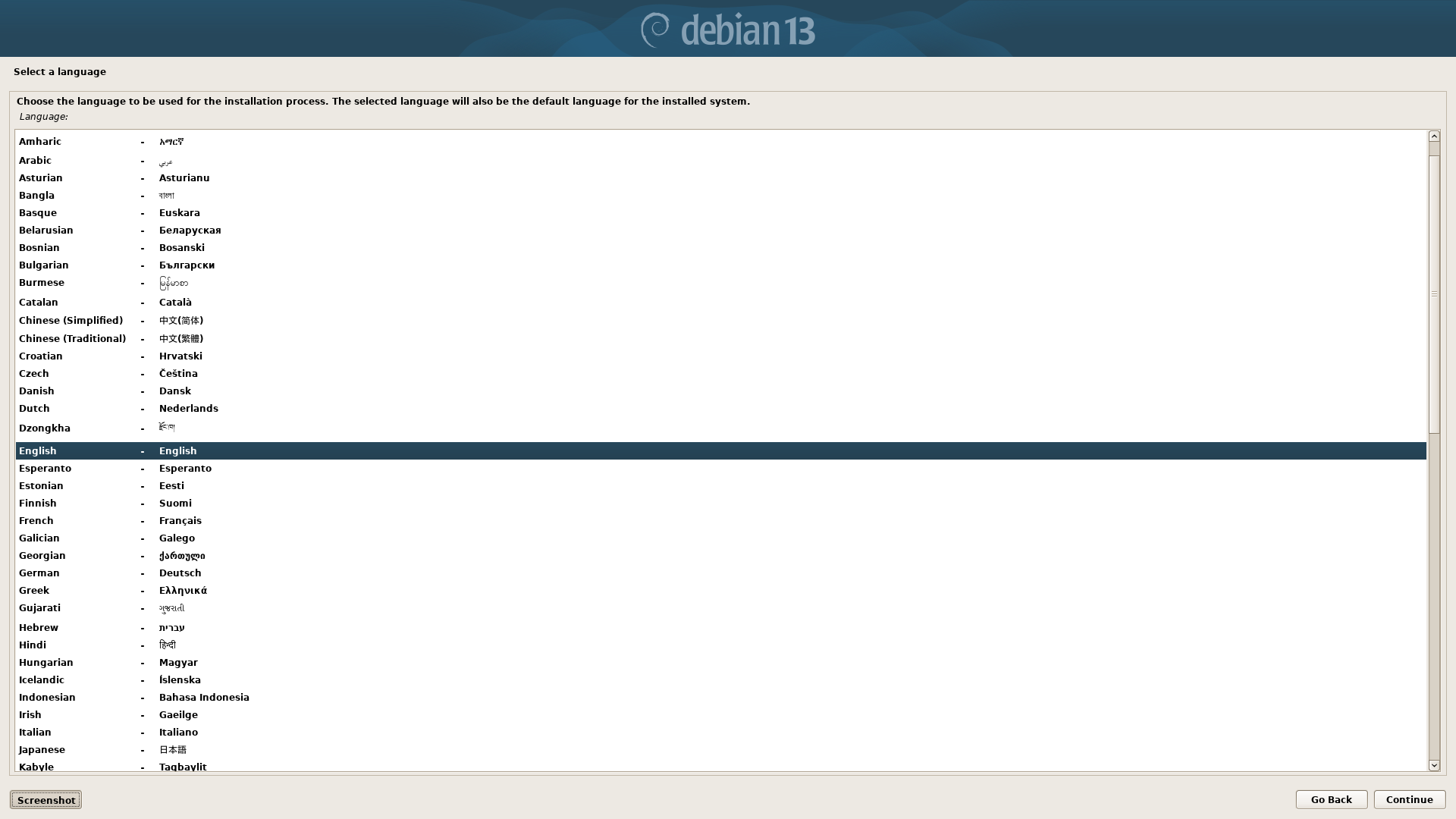
Select the default language for the installed system.
Location
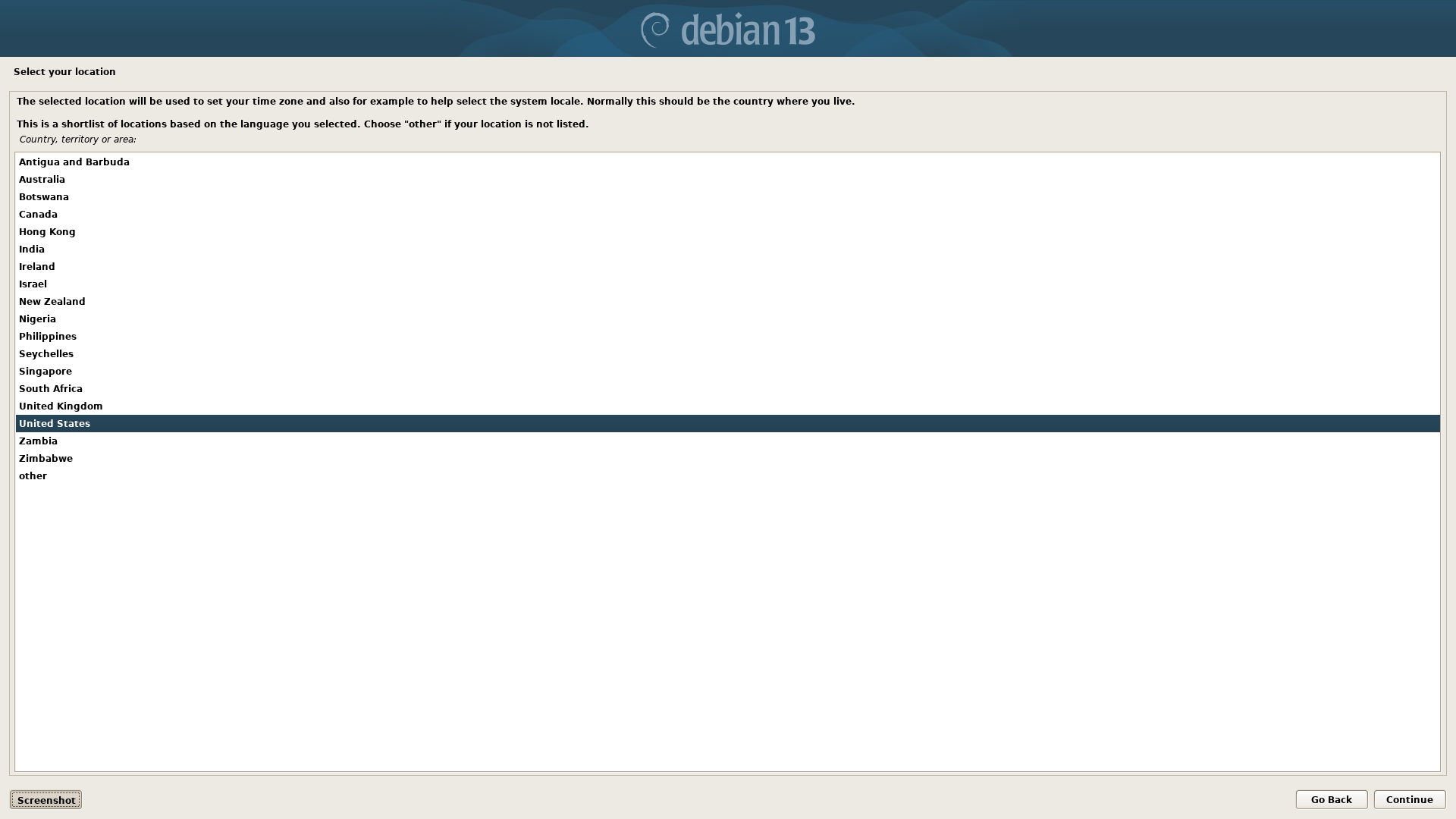
Select the location of the device. This will be used later when you set the time zone.
Keyboard
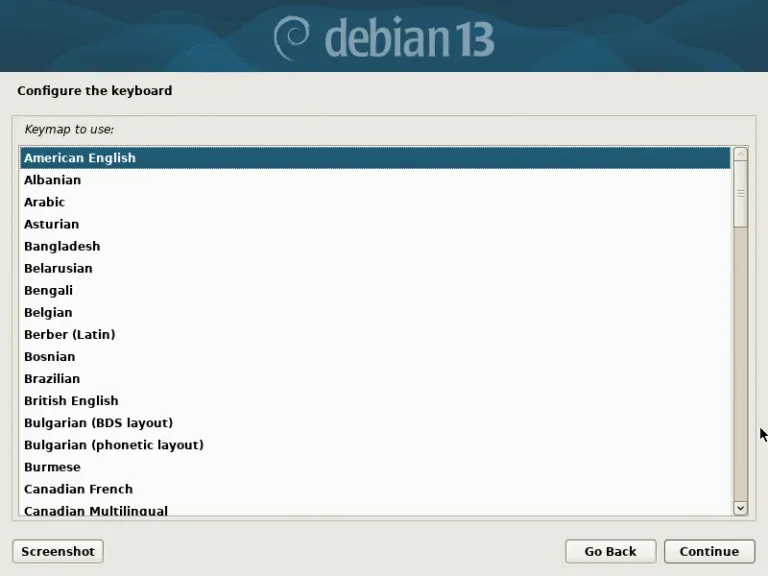
Choose the keyboard layout for your default language.
Network Interface
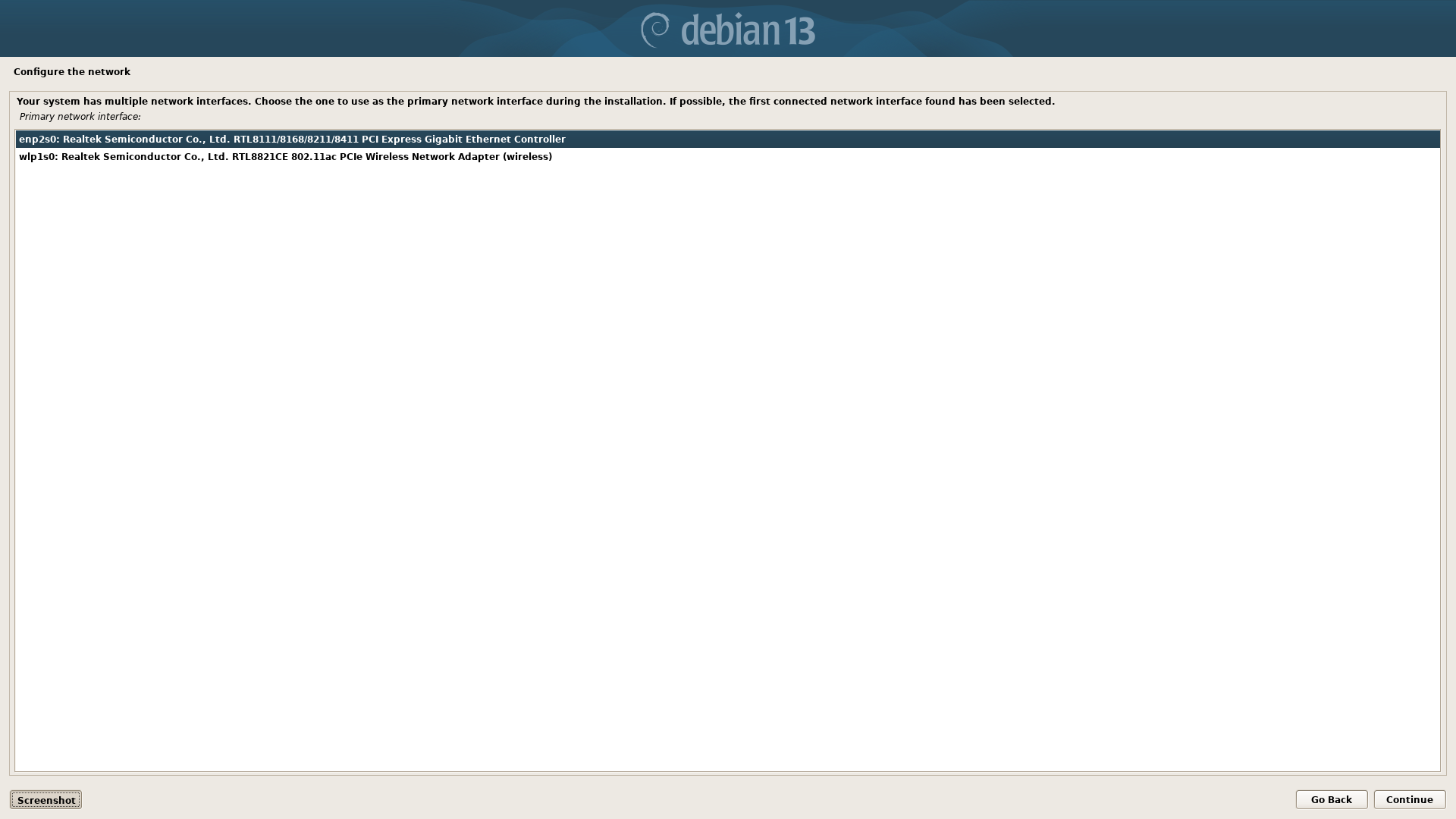
Choose your network interface. For example select ethernet or wifi connection. Ensure your network cable is plugged into the device or wifi access is available.
Hostname
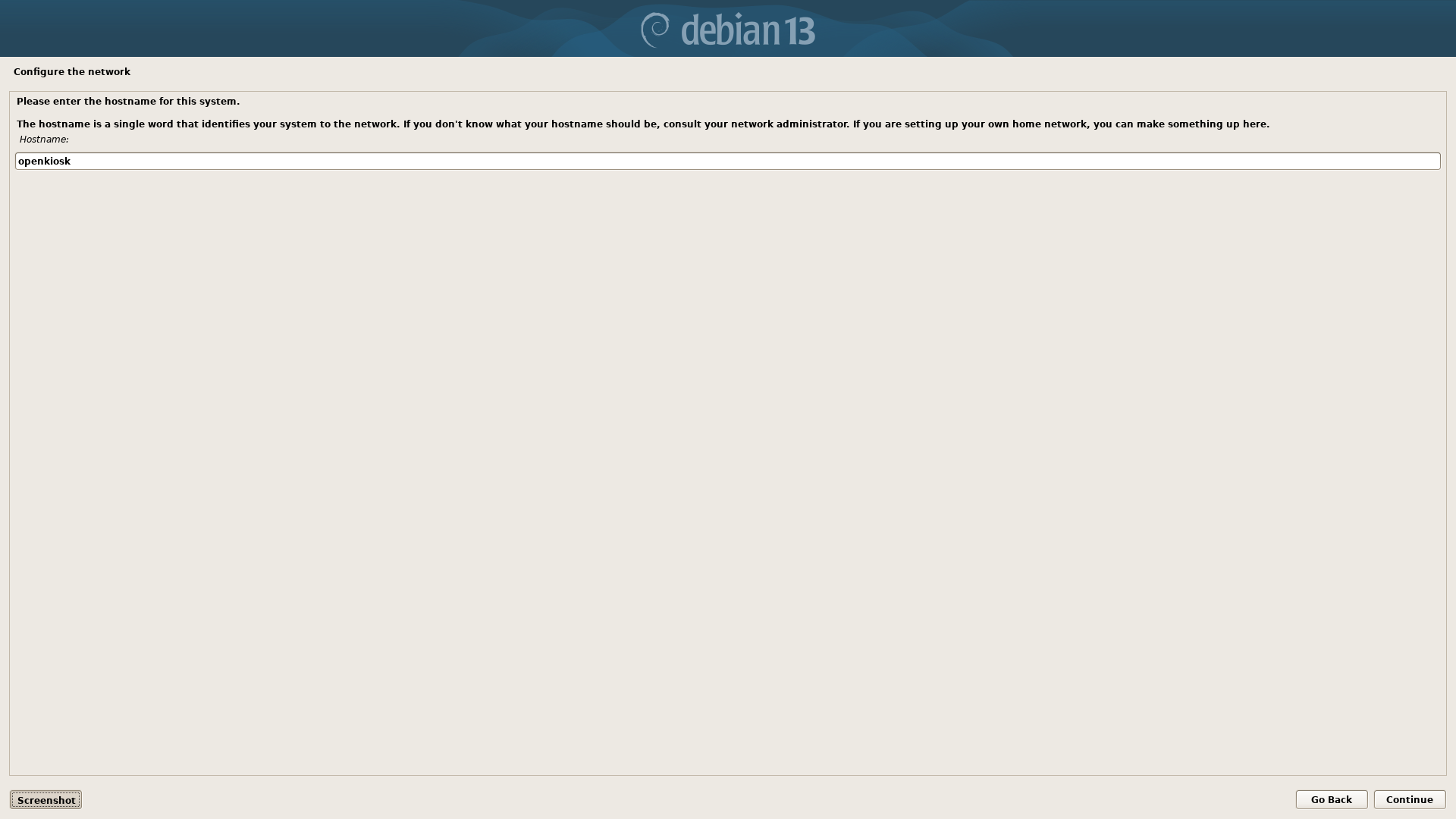
Create a hostname which is the name for the device as identified on the network. eg: Office, Library, OpenKiosk, PublicBrowser_1, etc.
Domain Name
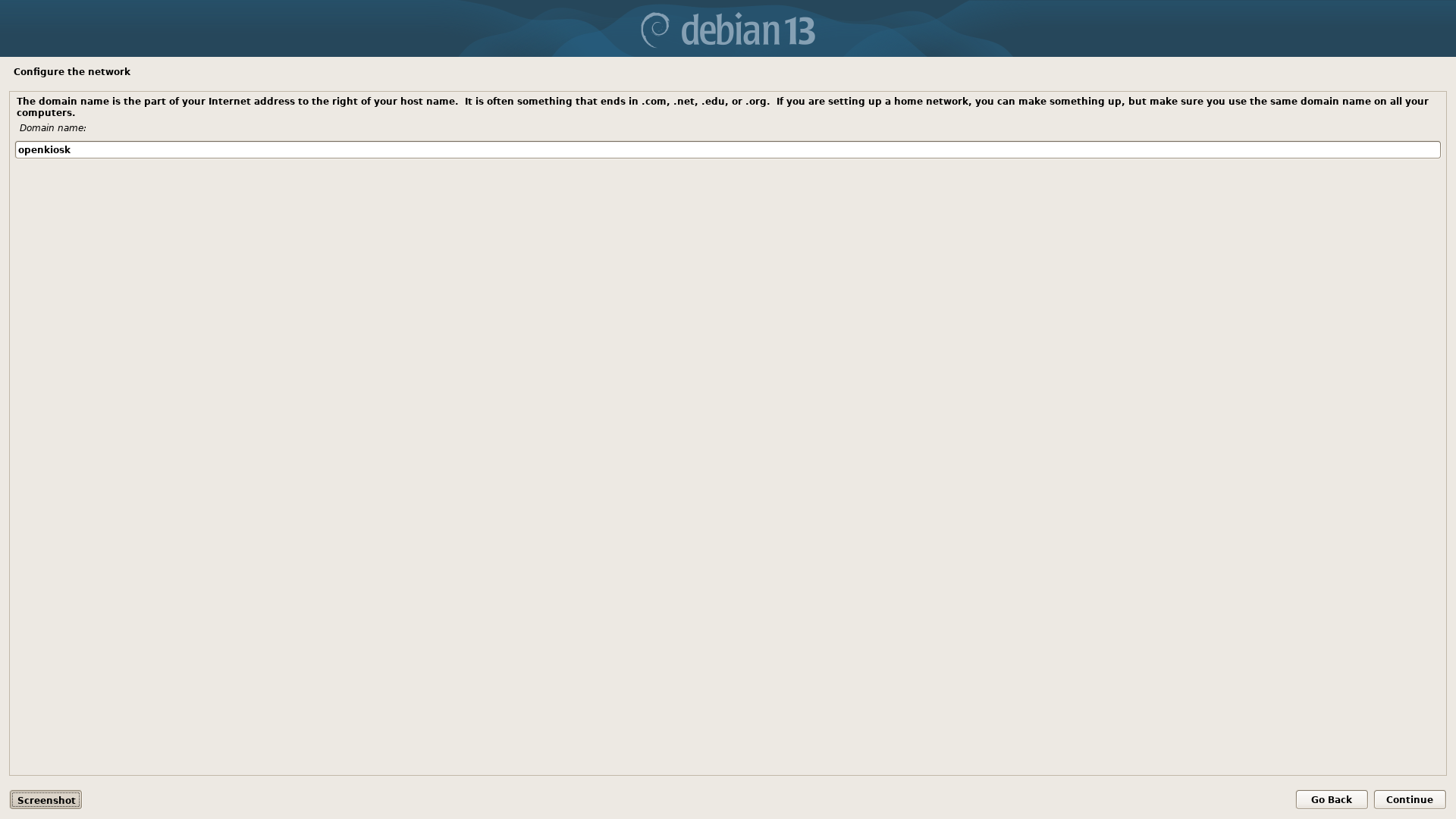
The domain name can be a fully resolvable web host address. Eg: openkiosk.tech, goolge.com. Most installations are on a local network so you can use whatever name you want. eg: mytownpubliclibrary, mypublicspace, etc.
Root Password
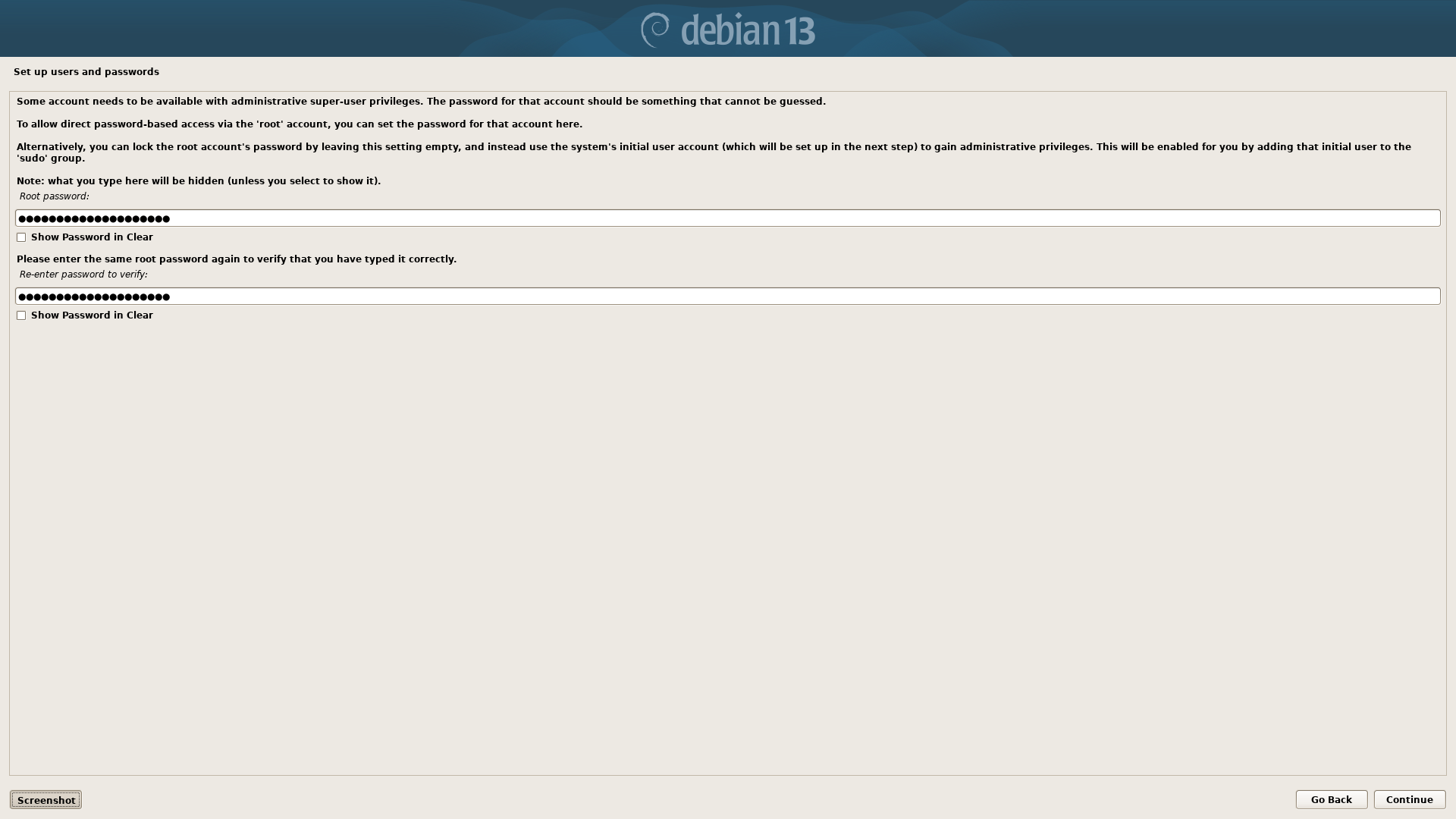
Root is the administrative account for the device and has complete access and control. Use a strong password and keep it protected.
User Full Name (openkiosk)
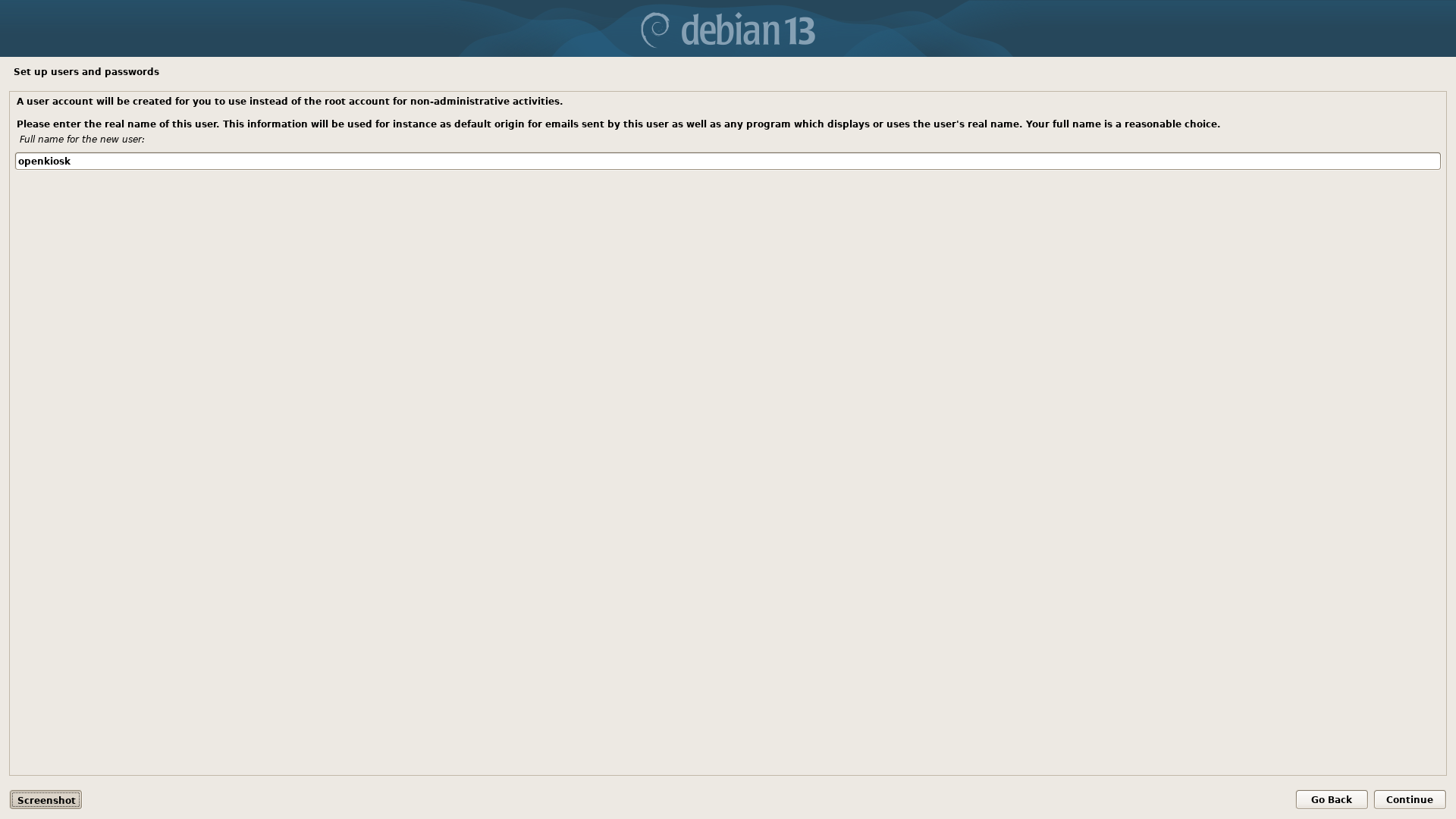
For the user full name, just use openkiosk.
User Name (openkiosk)
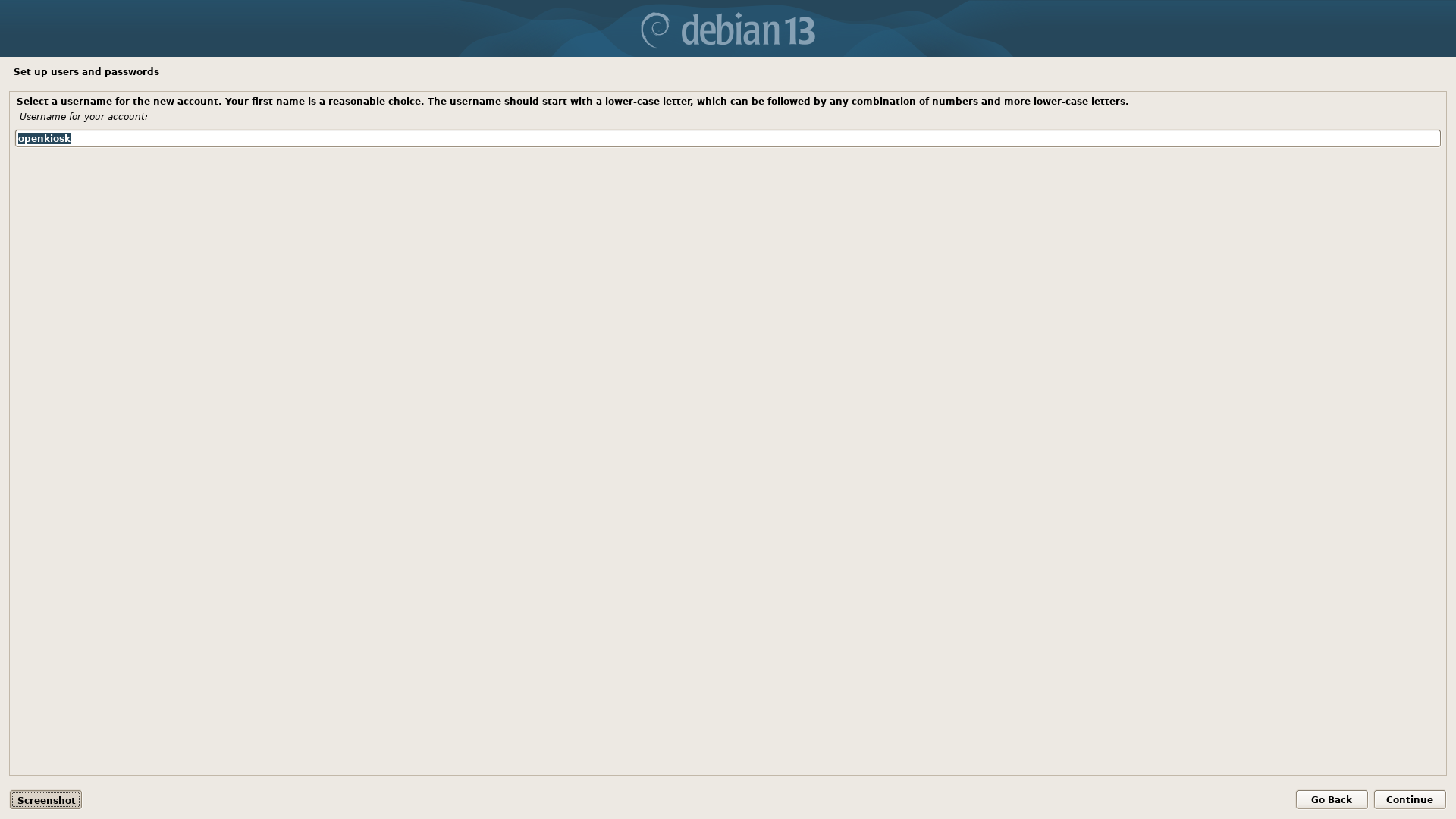
Same for user account name - openkiosk.
User Password
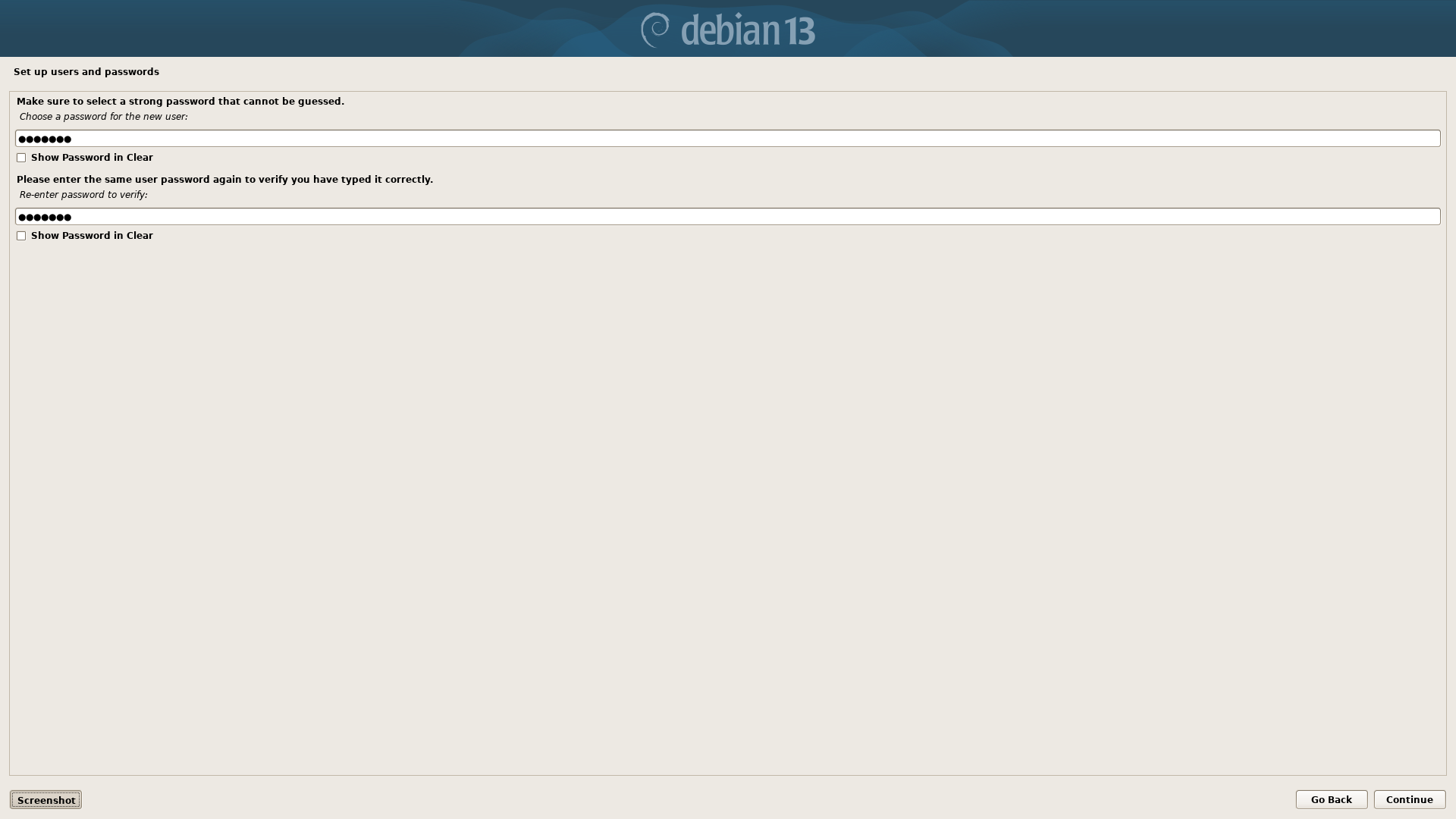
This is your password for OpenKiosk. It will be required to acess the settings on the device.
Timezone
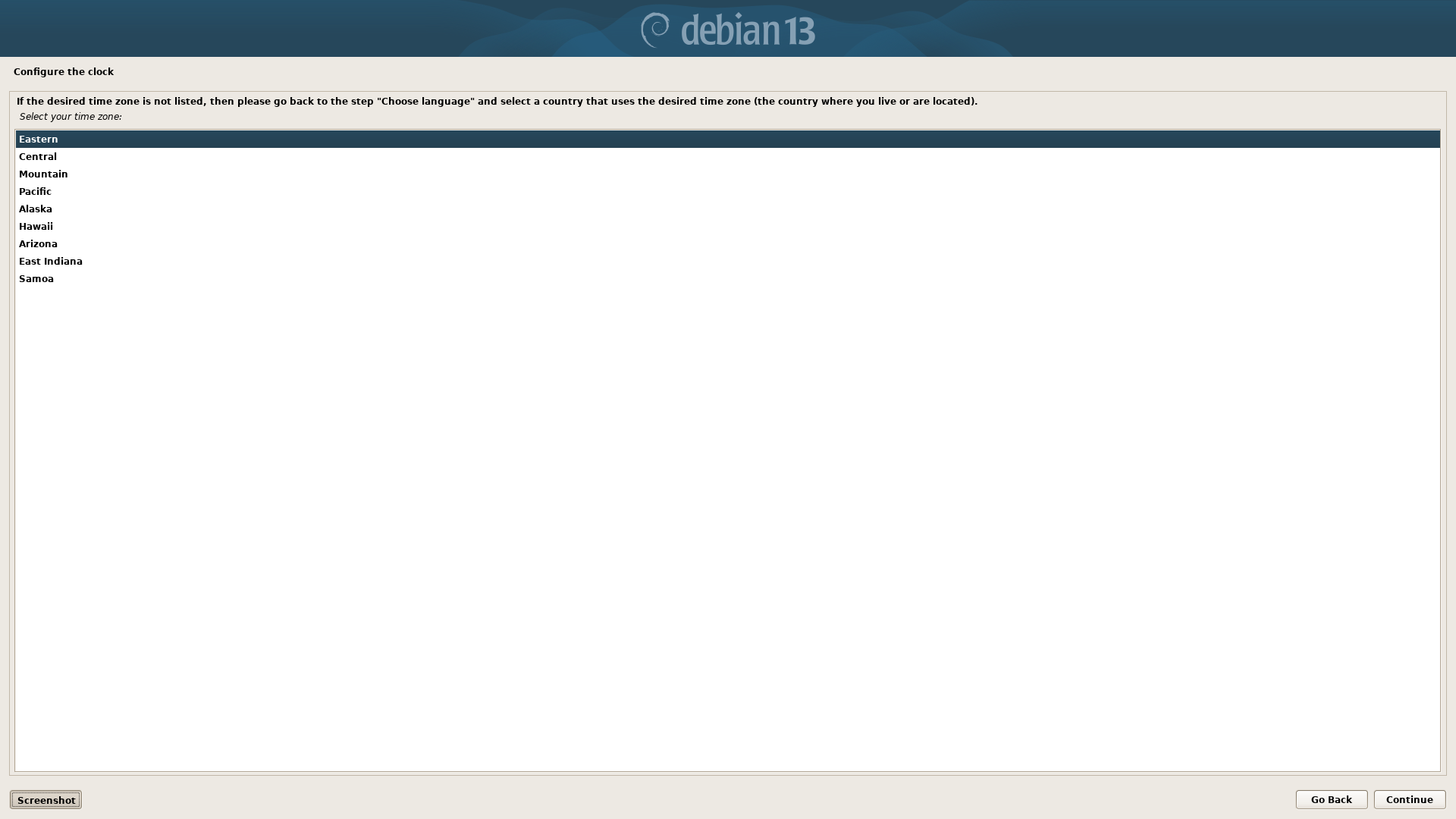
Set the time zone for your location.
Disk Partitioning
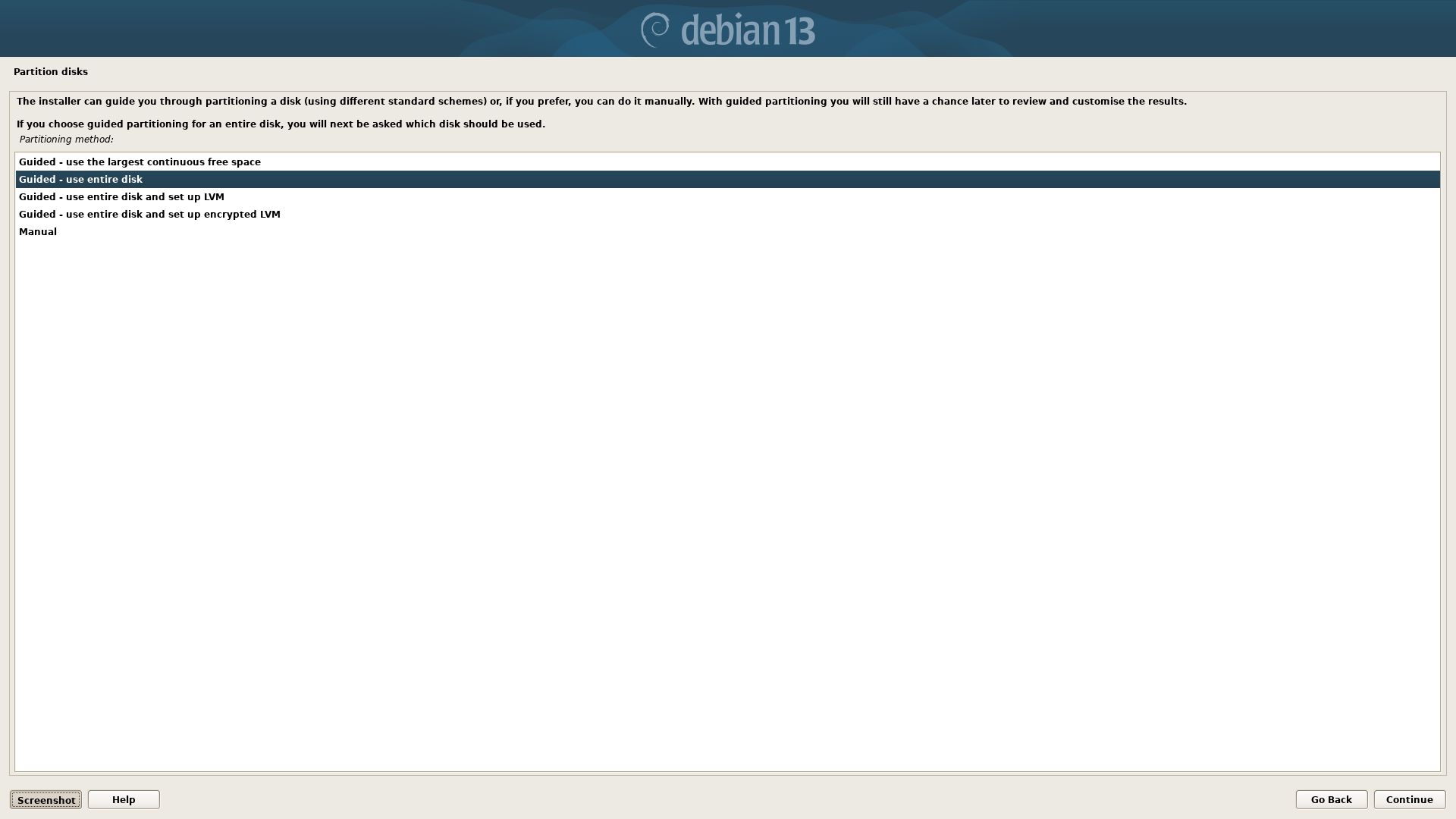
Choose "Guided - use entire disk" option. We are dedicating this device for use as a public or secure terminal.
Select Disk
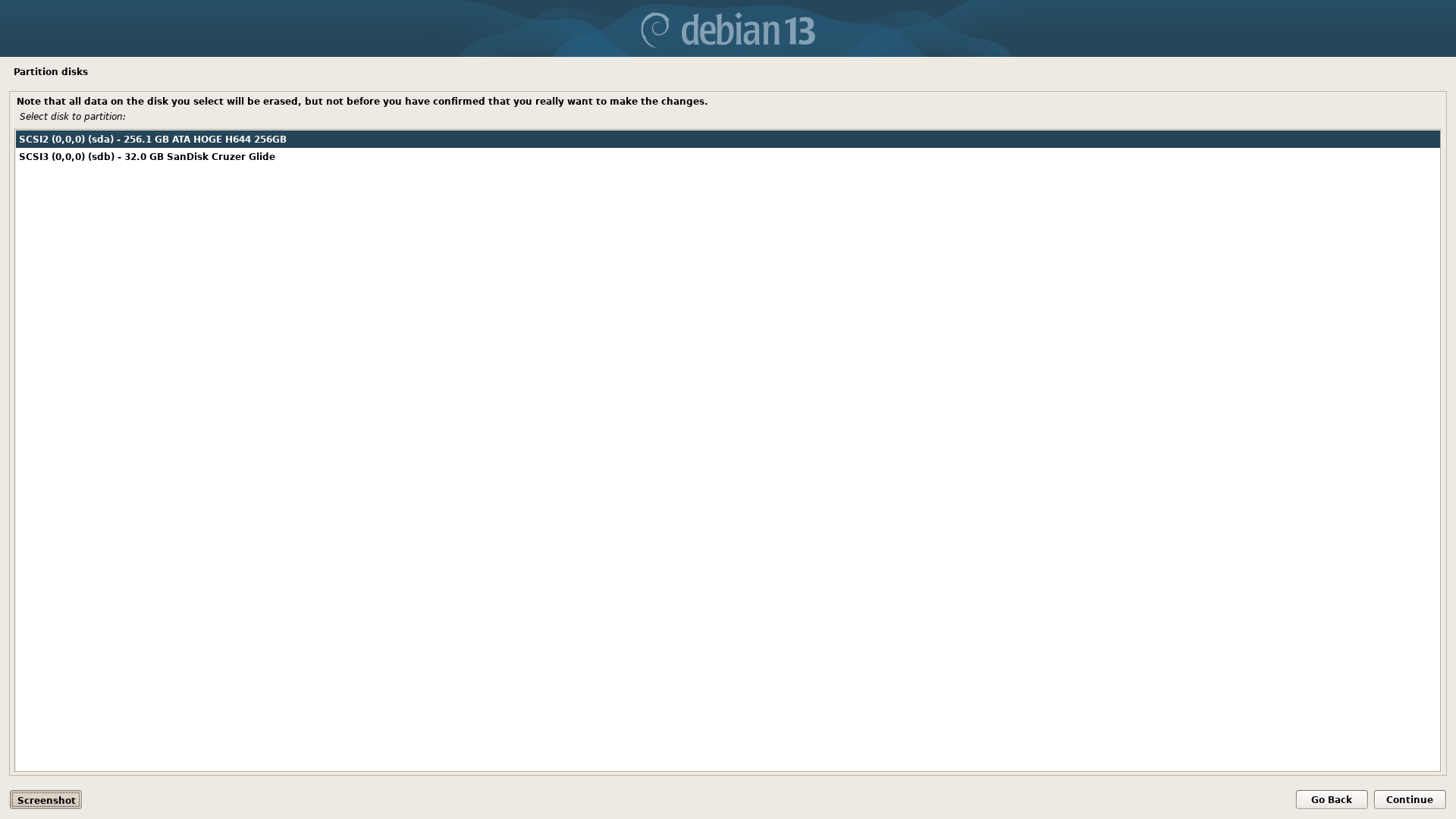
Ensure you select the drive you want to install to and NOT the currently mounted usb installer.
Choose One Partition
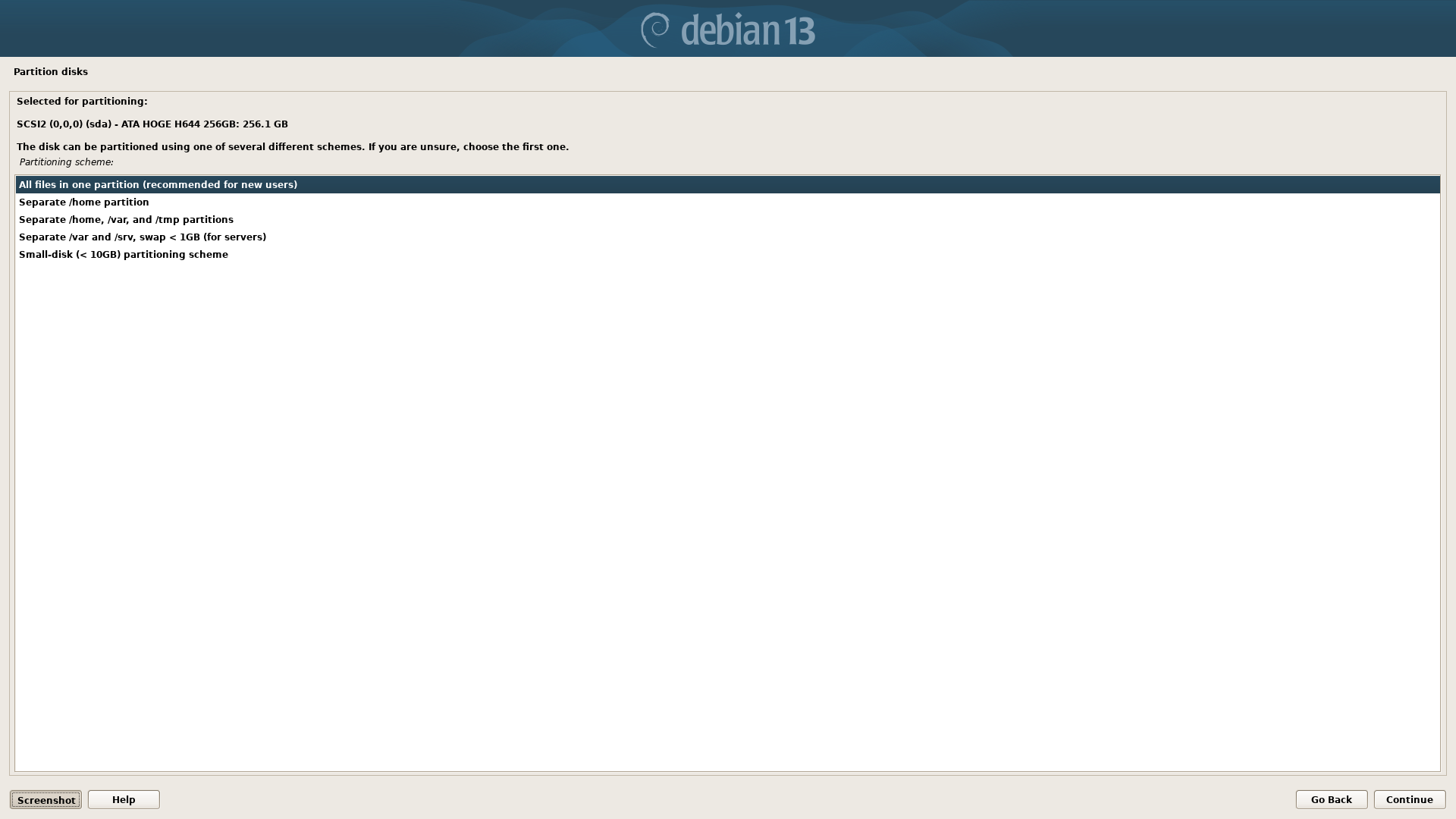
Choose one partition option here. This is fine for our setup. Advanced users can choose a different partition scheme.
Finish Partitioning
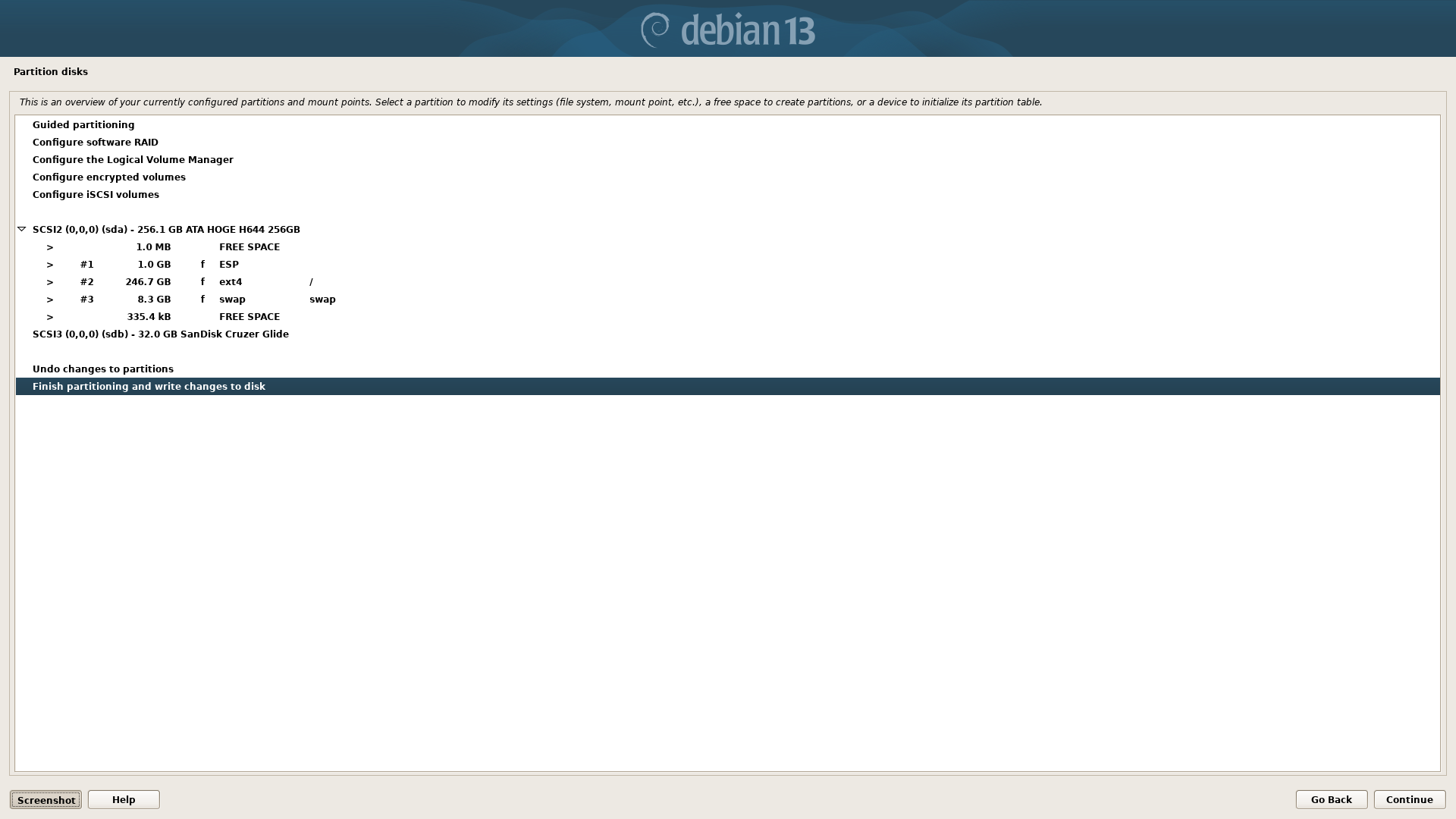
We have completed partitioning. If you are uncertain you can use the back button to review, otherwise just click Continue button.
Write Changes to Disk
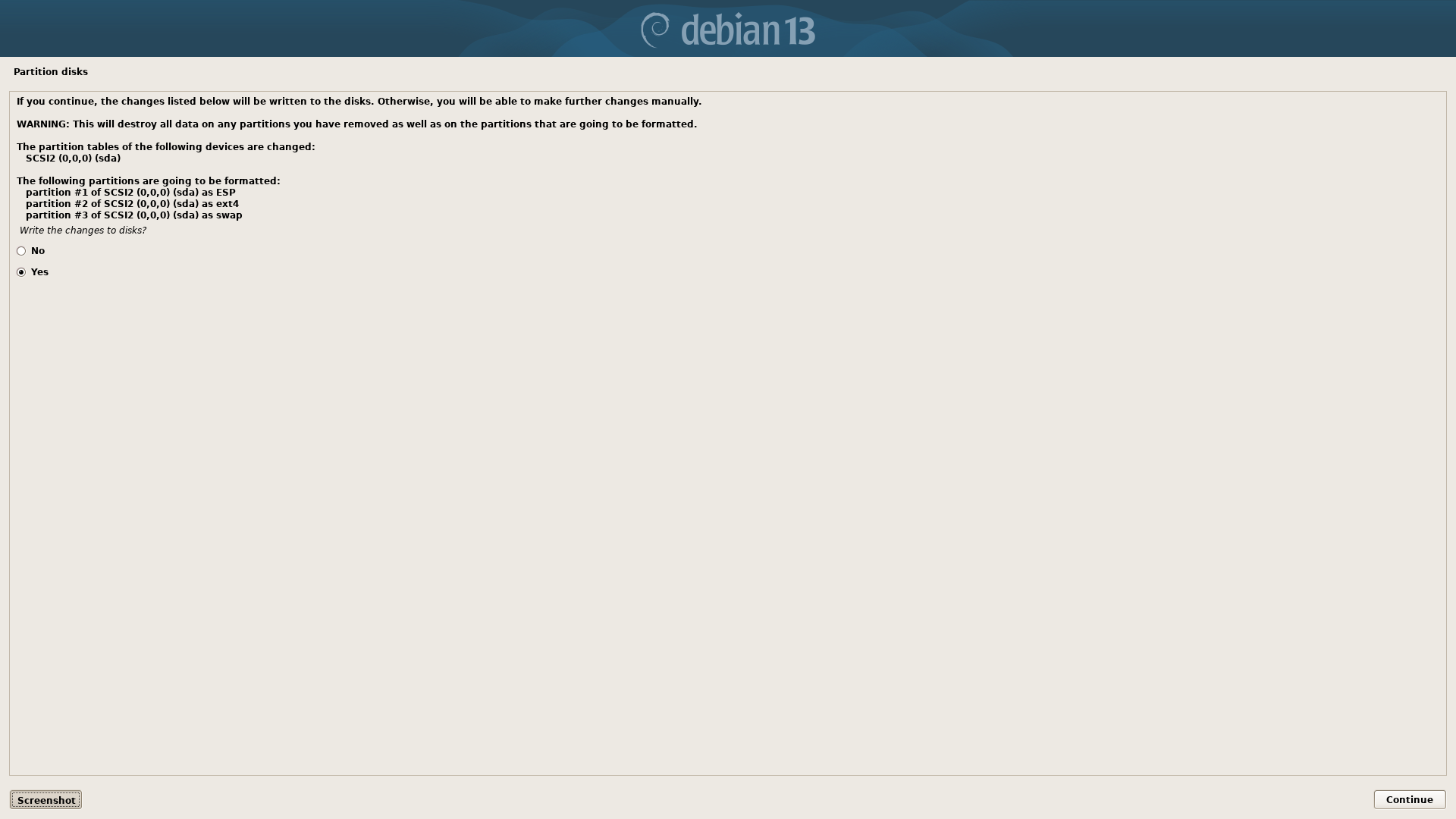
Choose "Yes" to write the the changes to disk and then Continue.
Base System Install
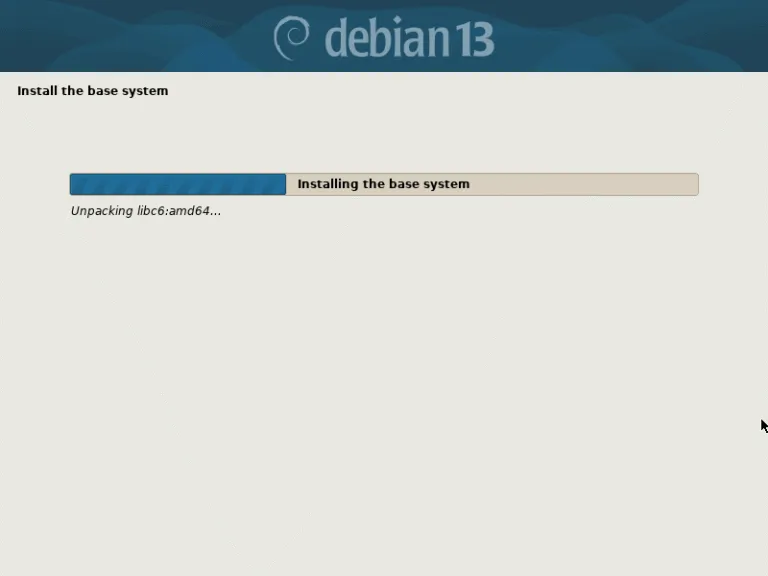
Network Mirror
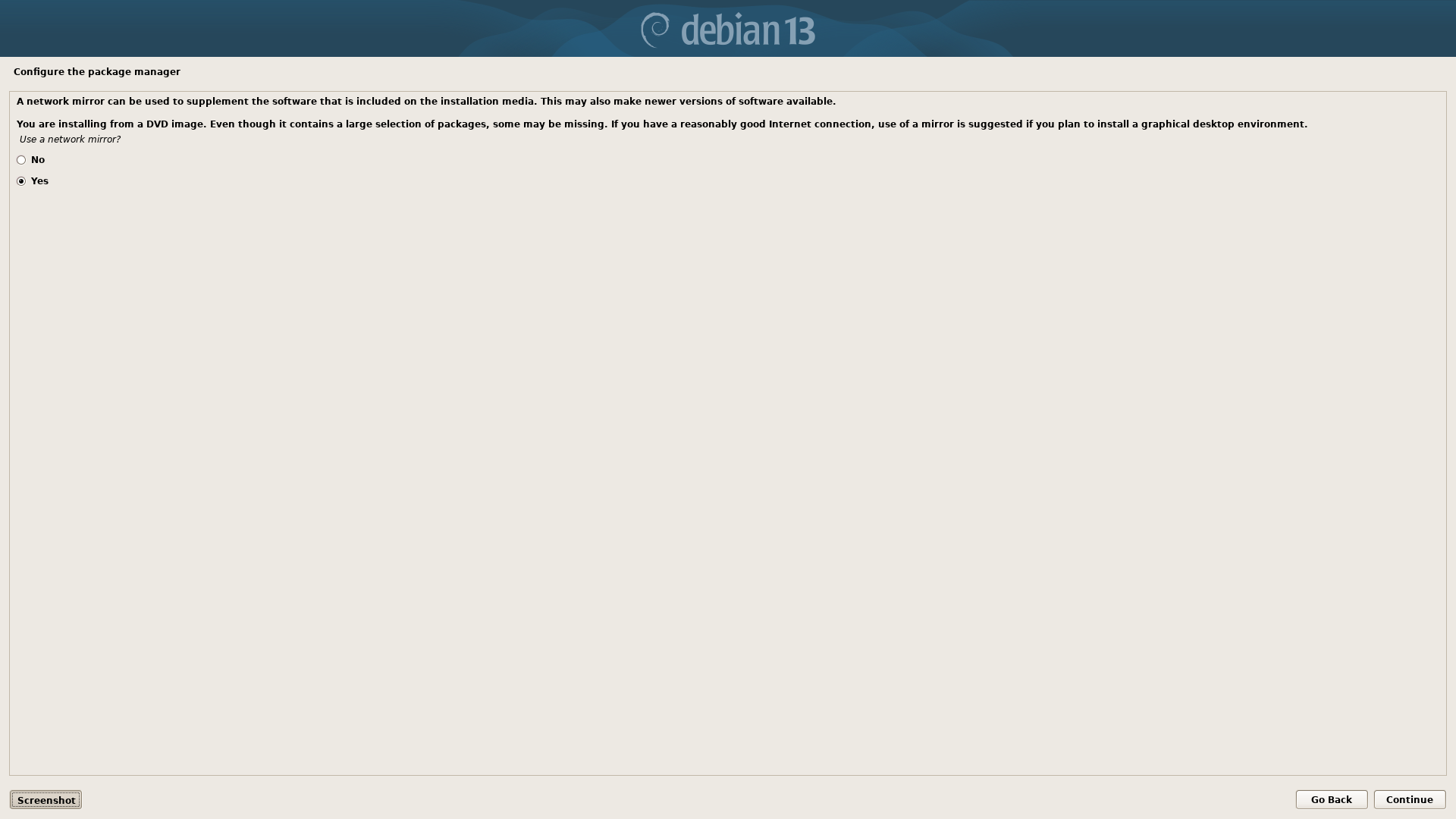
Choose "Yes" here to use a network mirror to install the latest available software packages.
Mirror Country
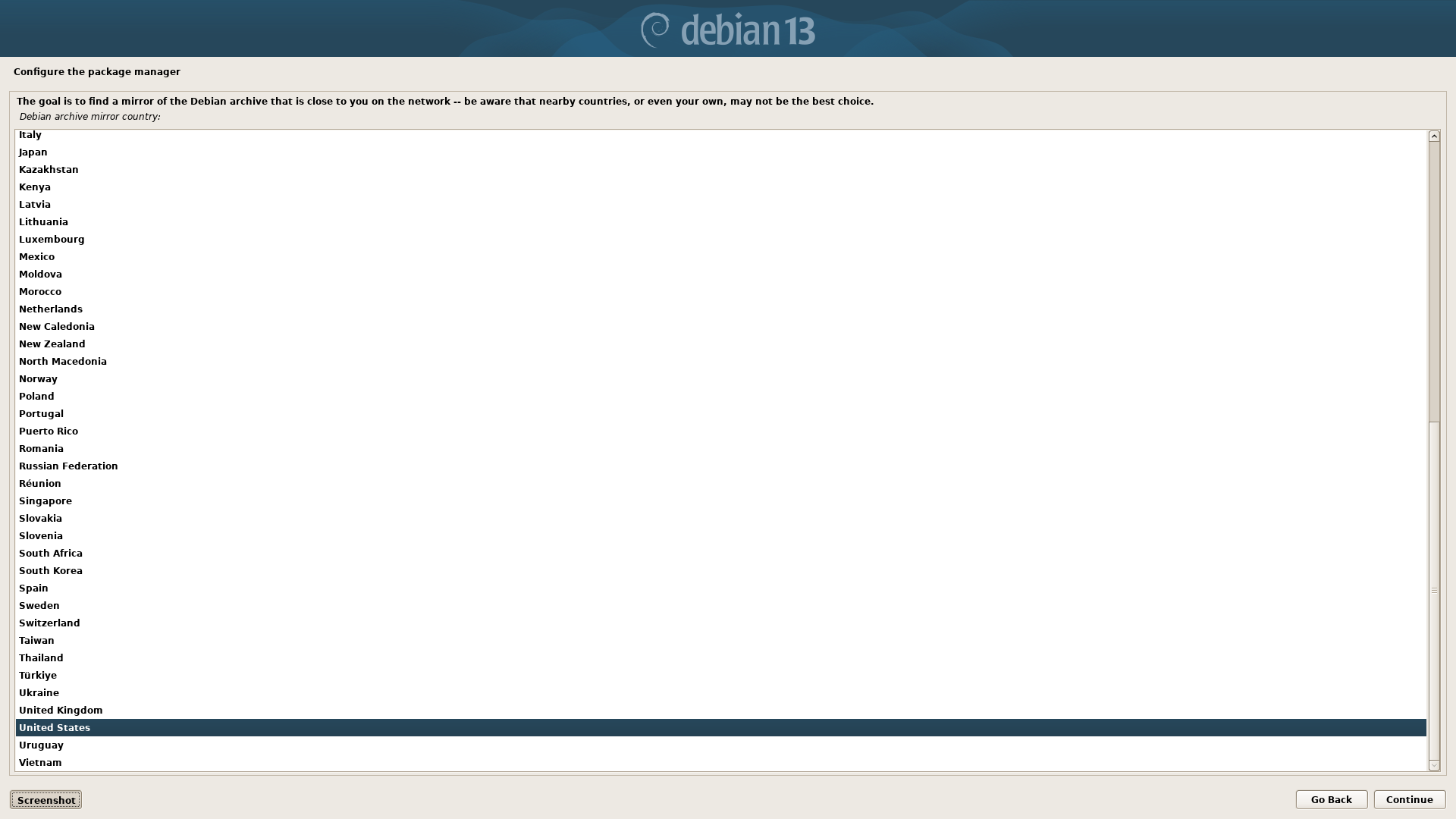
Choose the country you are in to find the closest network mirror for your region.
Mirror Server
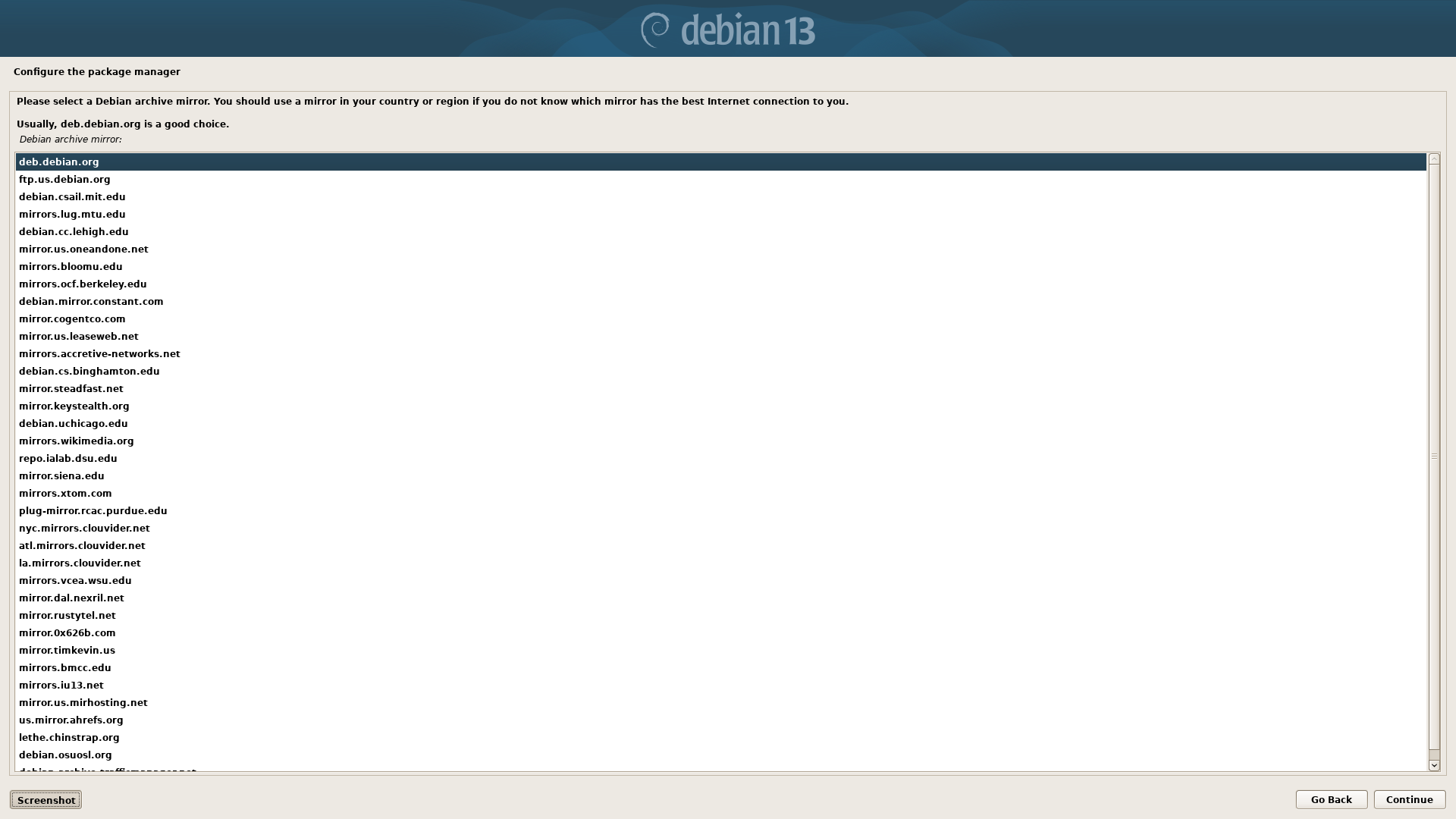
Select a network mirror server. This is where the latest packages will be installed from.
Http Proxy
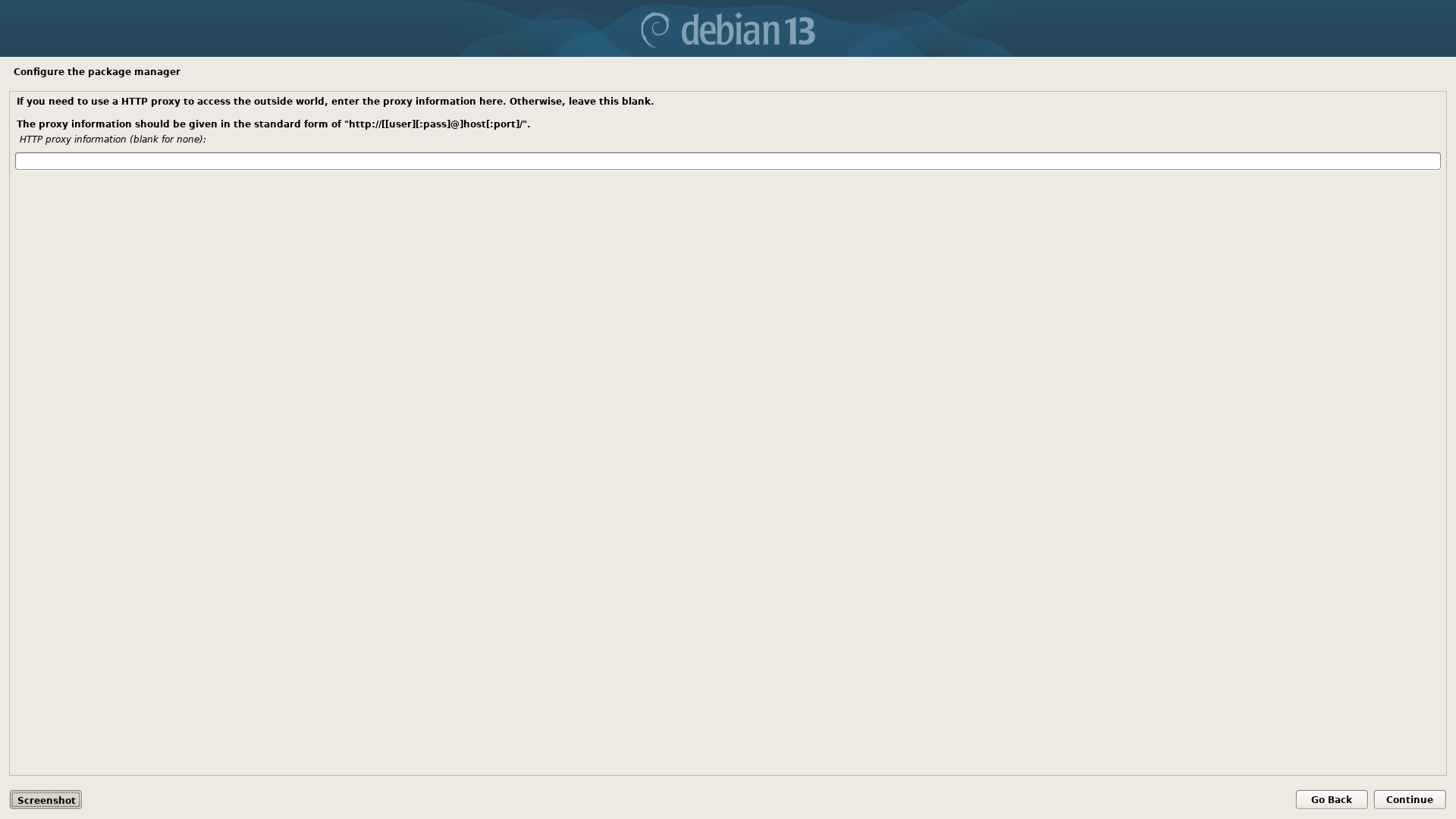
If you are using a proxy for your network enter it here. Otherwise, this field is usually left blank.
Package Manager Configuration
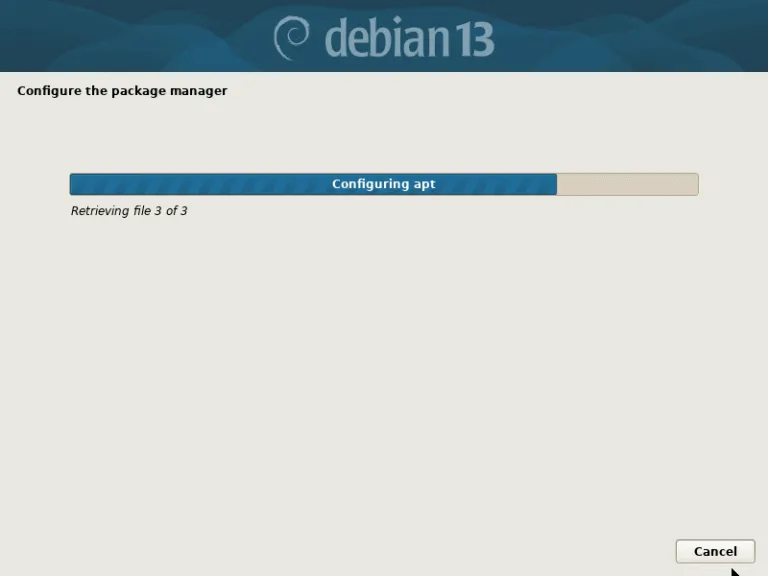
Package Survey
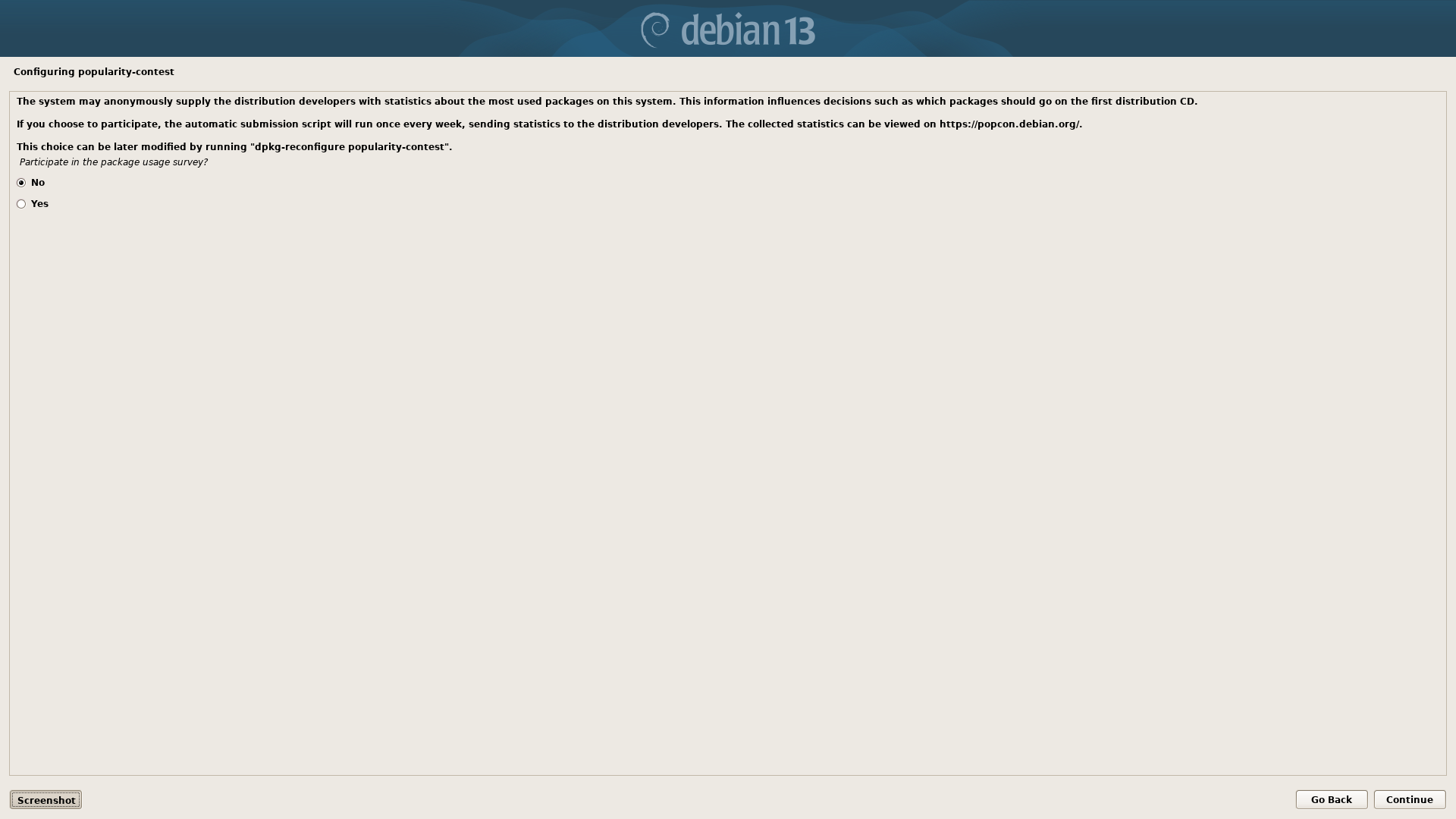
Leave this as "No".
Select Software
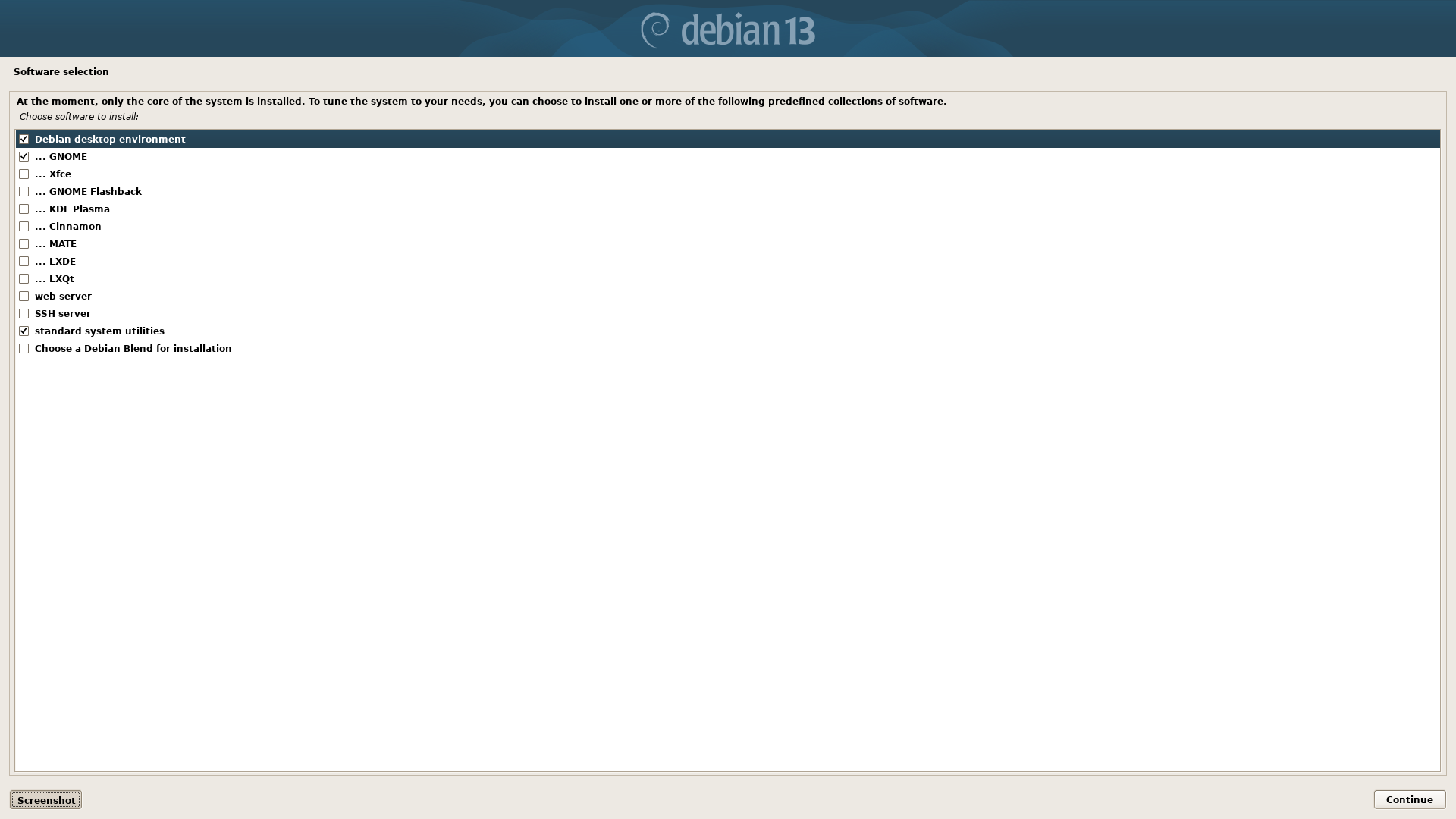
Please choose the default software exactly as shown. The listed packages are all that is necessary to install OpenKiosk.
Software Installation
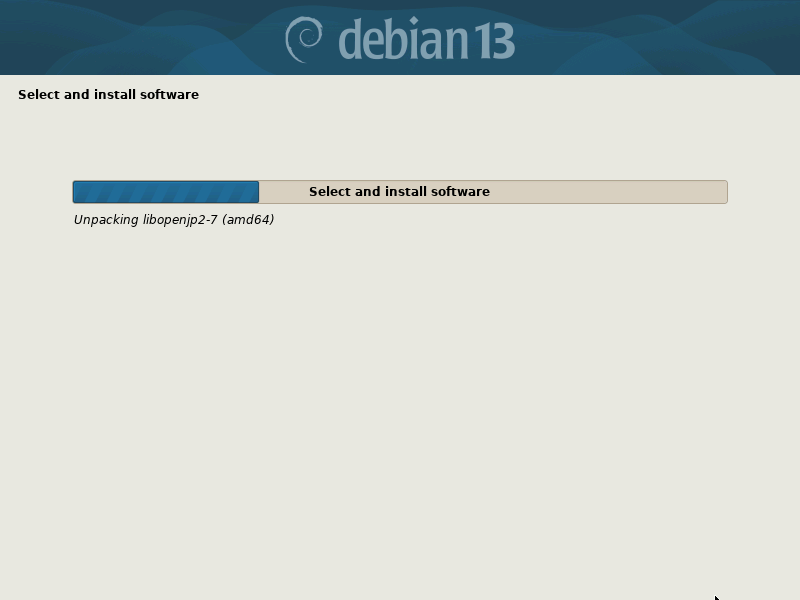
Installation Complete (remove media)
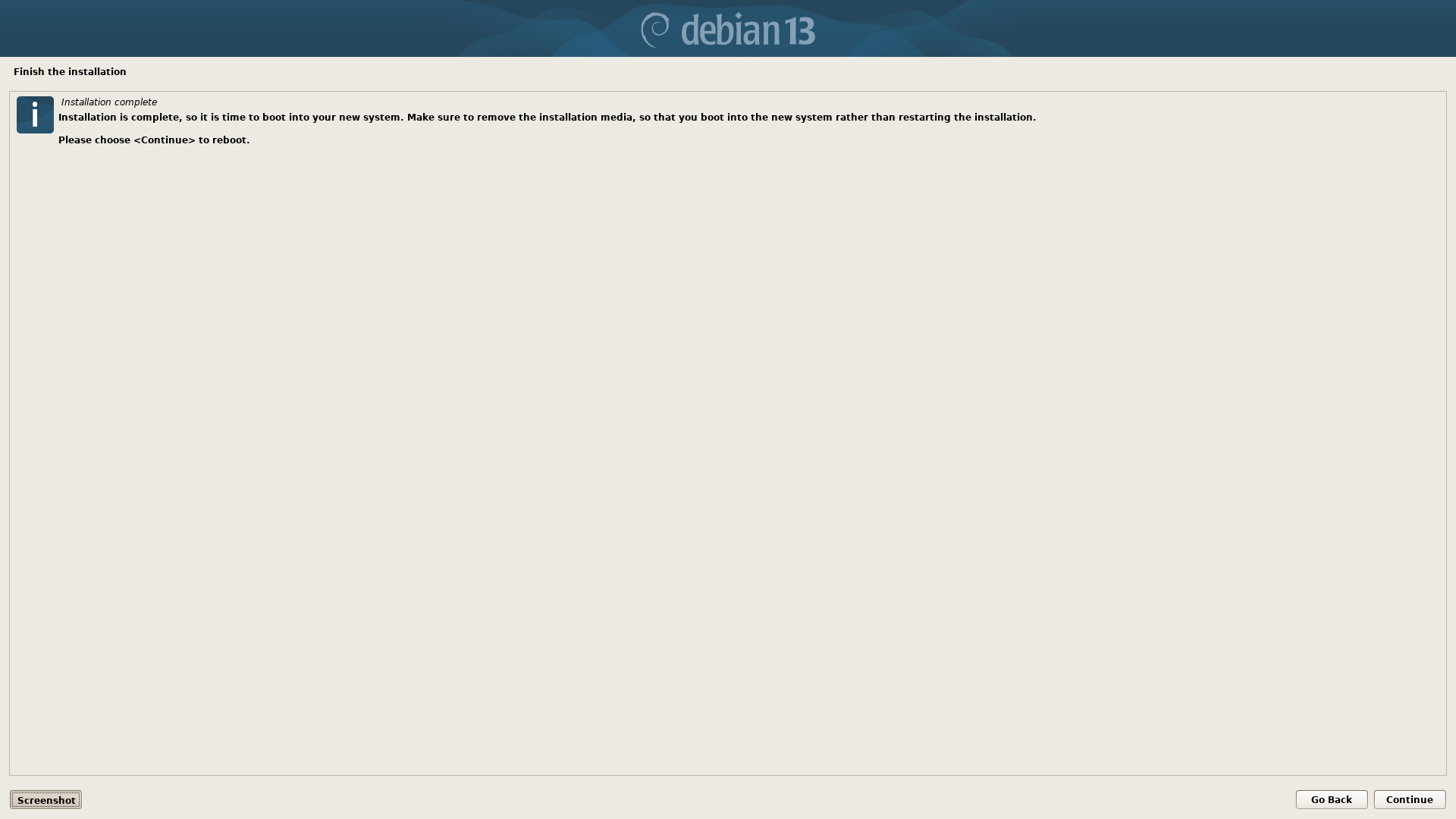
Reboot